

Measurement Plans Belong Before a Website Redesign
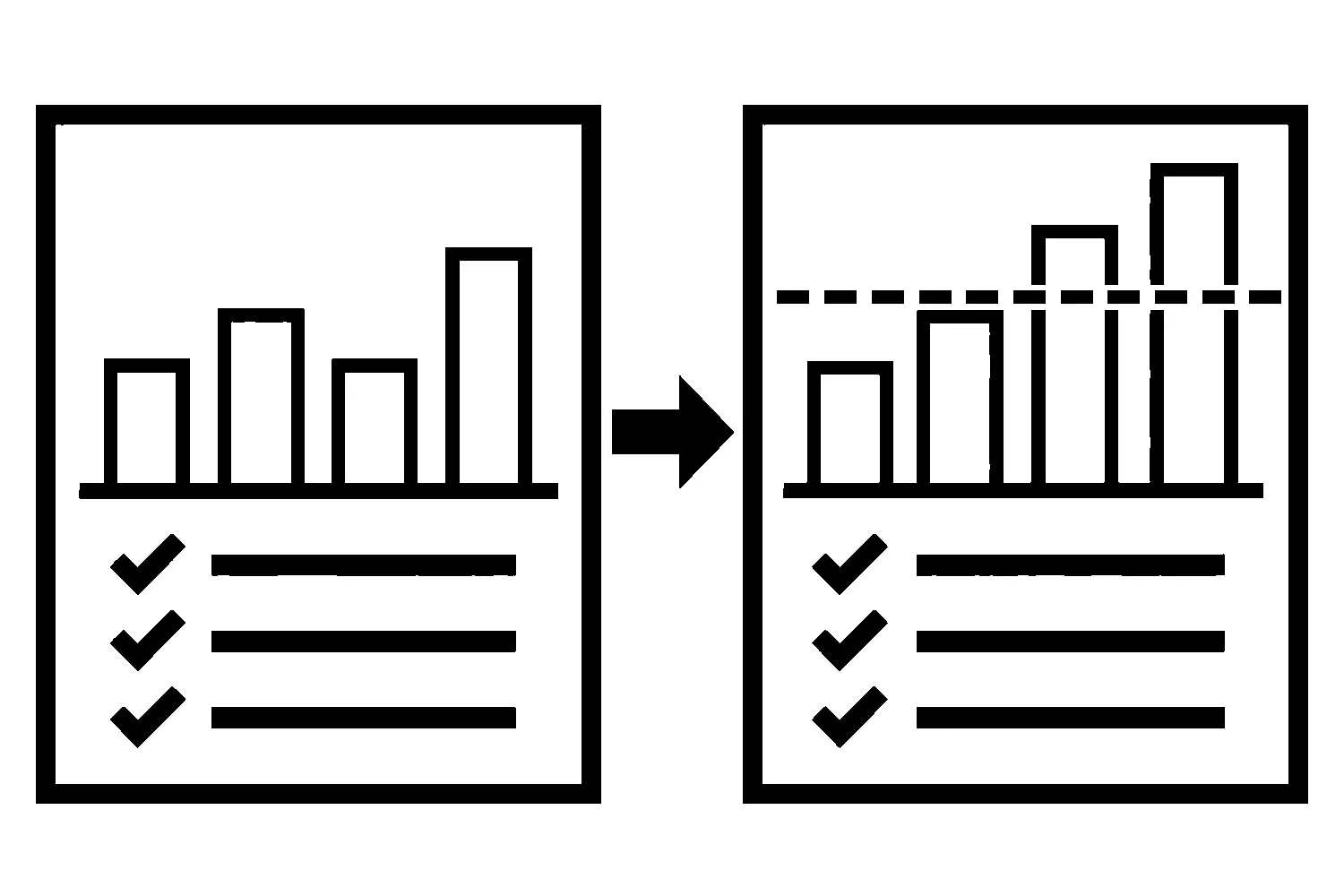
Most redesign plans spend months on layout, copy, and launch dates. Far fewer spend an afternoon on a simple question: how will we know whether the new site is working?
If that question waits until after launch, the old site’s numbers are already gone from view. Pages have moved, forms have changed, and nobody wrote down what “normal” looked like. A traffic dip or a lead spike becomes an argument instead of a measurement.
A measurement plan fixes that. It is a short document, written before the redesign starts, that says what you will measure, what the baseline is, and what result would make you keep or undo a change.
What a measurement plan is
It is not an analytics setup tutorial and it is not a report. It answers five questions in plain language:
- Which pages matter to the business today?
- Which actions on those pages count as success?
- What do those numbers look like now?
- Who checks them, and when?
- What result means we fix or roll back something?
If you can answer those on one or two pages, you have a plan.
Step 1: Name the pages that earn their keep
List the pages that bring in inquiries, calls, or bookings: service pages, location pages, the contact page, and the guides that send people to them. Pull each one’s address exactly as it is today. This list becomes your URL inventory, and it is also the starting point for any redirect map.
Our website redesign SEO migration checklist covers the redirect and indexing side in more detail. The measurement plan sits next to it and answers a different question: not “did we break anything,” but “did this help.”
Step 2: Decide what counts as success
Google Analytics calls an important action a key event. Google’s help documentation defines it as an event that measures an action that is particularly important to the success of your business, and says any event you collect can become a key event.
For a small business site, the list is usually short:
- A contact form submission
- A click-to-call tap on a phone number
- A booking or quote request
- A click to a location’s directions
Write each one down with the page it happens on and how it is triggered. Then check that it actually fires today. An event that has been broken for a year has no useful baseline, and it is better to learn that now than after launch.
Step 3: Capture the baseline before anything moves
Record a fixed date range, such as the last 90 days, for each page and each key event. Keep the numbers somewhere that does not depend on the old site staying online: a spreadsheet or a saved export is enough.
Useful columns for each page:
- Organic search clicks and impressions from Search Console
- Sessions and key events from Analytics
- Which segment you care about, such as organic search visitors or mobile visitors
Segments matter because a total can hide a problem. Overall traffic may hold steady while mobile form completions drop, and a total will not show that.
Step 4: Set thresholds and owners in advance
A number with no threshold is just a number. Before launch, agree on what you will do if results move:
- A range you consider normal fluctuation
- A drop that triggers a closer look
- A drop that triggers a rollback decision, and who makes it
Google’s guidance on site moves tells site owners to expect temporary fluctuation in rankings while pages are recrawled and reindexed, and says that for medium-sized sites it can take a few weeks or more for new URLs to replace old ones in results. Build that into your thresholds. A dip in the first days is not automatically a failure, and a plan that says so keeps everyone from panicking or from ignoring a real problem.
Name one person for each check. “The team will watch it” means nobody is watching it.
Step 5: Change one thing at a time where you can
Google’s site move guidance recommends changing only one thing at a time, for example moving domains and then changing layout, rather than both at once. The reason applies to measurement as well. If you change the URLs, the layout, the forms, and the tracking setup in the same week, you cannot tell which change caused a shift in the numbers.
You will not always be able to separate every change. When you cannot, record which changes shipped together so the readback is honest about what it can and cannot tell you.
Step 6: Check that the measurement itself survives the launch
Redesigns break tracking more often than owners expect. Before launch, confirm on the staging site, and again right after launch on the live site:
- The analytics tag is present on every template
- Each key event still fires on the new forms and buttons
- Search Console verification still works. Google’s migration guidance specifically warns that verification tokens and files may need to be carried over to the new site.
- The sitemap lists the new URLs. Google lists not updating sitemaps among common migration mistakes.
- Any
noindexor robots.txt blocks used during development have been removed. Google lists these among common mistakes that can keep a new site from being indexed.
Test each item and write down the result. A plan that says “tracking verified” with no date and no name is not evidence.
Step 7: Read the results against the plan
At the dates you agreed on, such as one week, one month, and three months after launch, compare the same pages and events over the same kind of date range against the baseline. Note the result next to each threshold you set, then decide: keep, adjust, or roll back.
Keep a short record of what you found and what you decided. It is useful the next time anyone touches the site.
A one-page template
You can start with this outline:
| Item | What to write |
|---|---|
| Pages | The URLs that bring in inquiries, and their purpose |
| Key events | Each success action, where it happens, how it fires |
| Baseline | Date range and numbers for each page and event |
| Segments | The groups you will compare, such as organic or mobile |
| Thresholds | Normal range, closer look, rollback decision |
| Owner and dates | Who checks, and when |
| Tracking checks | What was verified before and after launch, and by whom |
When to ask for help
If you are planning a redesign and want the measurement plan written alongside the design work, that is something we do as part of website design. You can contact us to request a redesign measurement plan, and we will build it around the pages and actions that matter to your business. No plan can promise a result, but it can make sure you will be able to see one.
Sources
- Google Search Central, Site moves and migrations (accessed 2026-10-28).
- Google Analytics Help, About key events (accessed 2026-10-28).
Jeremy Johnson
Owner
Jeremy co-owns Robben Media and directs strategy for every client engagement. With a Computer Engineering degree from Missouri S&T, he brings deep technical expertise in web development, SEO, and automation. Before acquiring Robben Media in 2023, Jeremy led marketing and branch management in the mortgage industry. He believes marketing should be measured by revenue generated, not impressions reported.