

Page-Weight Budgets: Set the Limit Before Design Adds the Weight
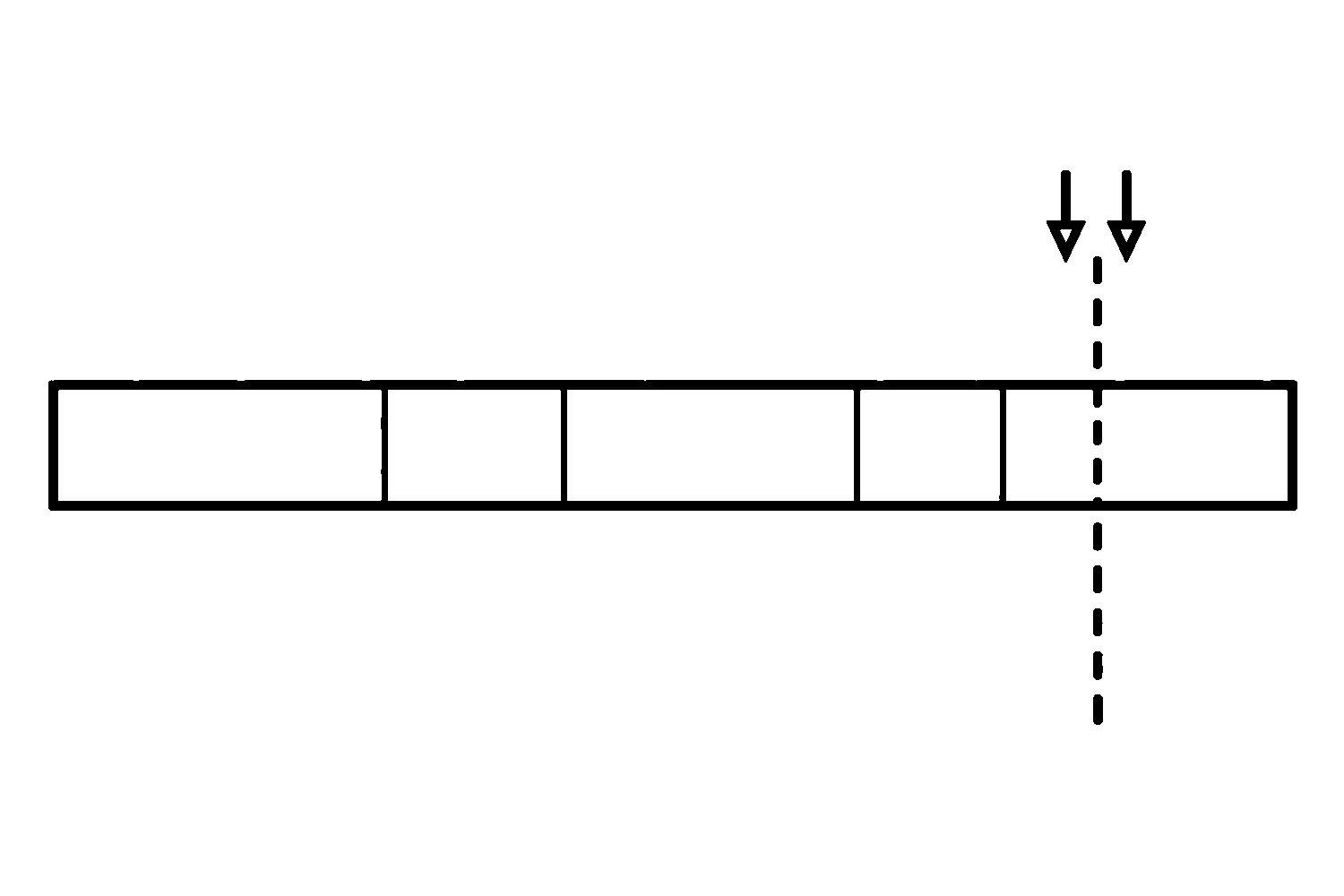
Most website speed advice arrives after the damage is done. A page is slow, someone runs a test, and the fixes begin: compress this image, remove that script, swap a font. This article is about the step before that. It is about agreeing on a limit with your designer while the site is still being designed, so that the weight of each image, font and script is decided against a number instead of discovered later.
That number is called a performance budget. We have not measured what budgets do for any client, and we make no claim about speed gains or conversion. What follows is a practical way to set one and a list of questions to bring to a design conversation.
If your site is already slow and you need to find out why, our post on how website speed affects conversions and SEO covers diagnosis. This article is for the earlier moment, before the design is built.
What a budget is
MDN Web Docs describes a performance budget as “a limit to prevent regressions.” It says a budget can apply to a single file, a type of file, all the files loaded on a page, a specific metric, a custom metric, or a threshold over a period of time.
In plain terms, it is a limit you agree on in advance, written down, and checked as the work proceeds.
MDN describes budgets as falling into three broad kinds:
- Timing-based, such as how long a page takes to become usable.
- Quantity-based, such as the number of script files or the total size of images.
- Rule-based, such as a score from a testing tool.
For a design conversation, quantity-based limits are usually the easiest to discuss, because “no more than this much in total images” is something both sides can check.
Why set it before design
MDN says a budget exists to reflect goals you can reach, and that it is a tradeoff between user experience and other indicators, such as conversion rate. It also says the primary goal is to prevent regressions, and that the sooner you can identify an addition that pushes the budget, the better you can respond.
That is the reason to start early. Each addition looks small by itself: one more hero image, one more font weight, one more script for a feature. A limit gives each addition something to be measured against.
We are not saying a budget guarantees a fast site. It makes the tradeoff visible so someone has to decide it on purpose.
How to set one with your designer
1. Decide who the visitors are
MDN says the first step is to measure the devices and connection speeds your users are coming from, using more than one tool. A budget set for a fast office computer may say little about a visitor on an older phone and a weak connection. Ask your designer what they know about your visitors’ devices, and use your own analytics where you have them.
2. Pick one or two measures you can understand
You do not need a long list. Choose limits that you and the designer can each check without special knowledge. For example:
- A total weight for the page.
- A total for images.
- A total number of network requests for the page. Every image, font, script and stylesheet the page loads can count toward it.
- A count of separate script files.
- A limit on how many font files load.
MDN notes that time-based goals can translate into file-size budgets, which is why a size limit can stand in for a speed goal you care about.
3. Set two levels
MDN suggests a budget should include two levels, a warning and an error. The warning lets you plan and respond without blocking the work. The error is an upper limit past which changes are likely to have a noticeable negative effect. In practice: agree on a number where someone is told, and a harder number where the team stops and decides.
4. Write down who decides
Decide who can approve going over a limit, and what has to be weighed when they do. MDN describes a budget as a tradeoff, so an exception is a legitimate outcome. It just should not happen by accident.
5. Check it as the design takes shape
A budget helps only if it is looked at during the work. Ask when it will be checked: at each design review, before each release, or only at the end. Checking earlier gives the team more time to weigh the tradeoff and respond before release.
Questions to ask your designer
- What is our budget, and where is it written down?
- Which measure does it use, and why that one? Does it cover total size, total network requests, or both?
- What happens when a requested element would push us past the warning level? The error level?
- Who approves an exception?
- How will we check the finished pages against it?
- How do images, fonts, and third-party scripts, such as chat, tracking, and video, count against the limit?
If an answer is “we will optimize at the end,” ask what the plan is if the pages are already over the limit by then.
What this article does not cover
This article does not recommend a particular number, since the right limit depends on your visitors and goals. It does not claim any figure is typical, and it does not diagnose a slow existing site. We drew on one source, the MDN Web Docs page on performance budgets, for the general definitions above, and the rest is practical process advice rather than research.
If you would like to talk through a budget for a redesign, you can request a performance-budget discussion through our website design page, or contact us directly.
Jeremy Johnson
Owner
Jeremy co-owns Robben Media and directs strategy for every client engagement. With a Computer Engineering degree from Missouri S&T, he brings deep technical expertise in web development, SEO, and automation. Before acquiring Robben Media in 2023, Jeremy led marketing and branch management in the mortgage industry. He believes marketing should be measured by revenue generated, not impressions reported.