

AI Content Workflows Need a Human Approval Gate
Most teams that use AI for content have an opinion about whether it is good or bad. Fewer have written down who is responsible when a draft goes live with a wrong fact in it.
That gap is the real risk. The tool is rarely the problem. The problem is a workflow where a draft moves from a prompt to a published page and no named person ever said yes.
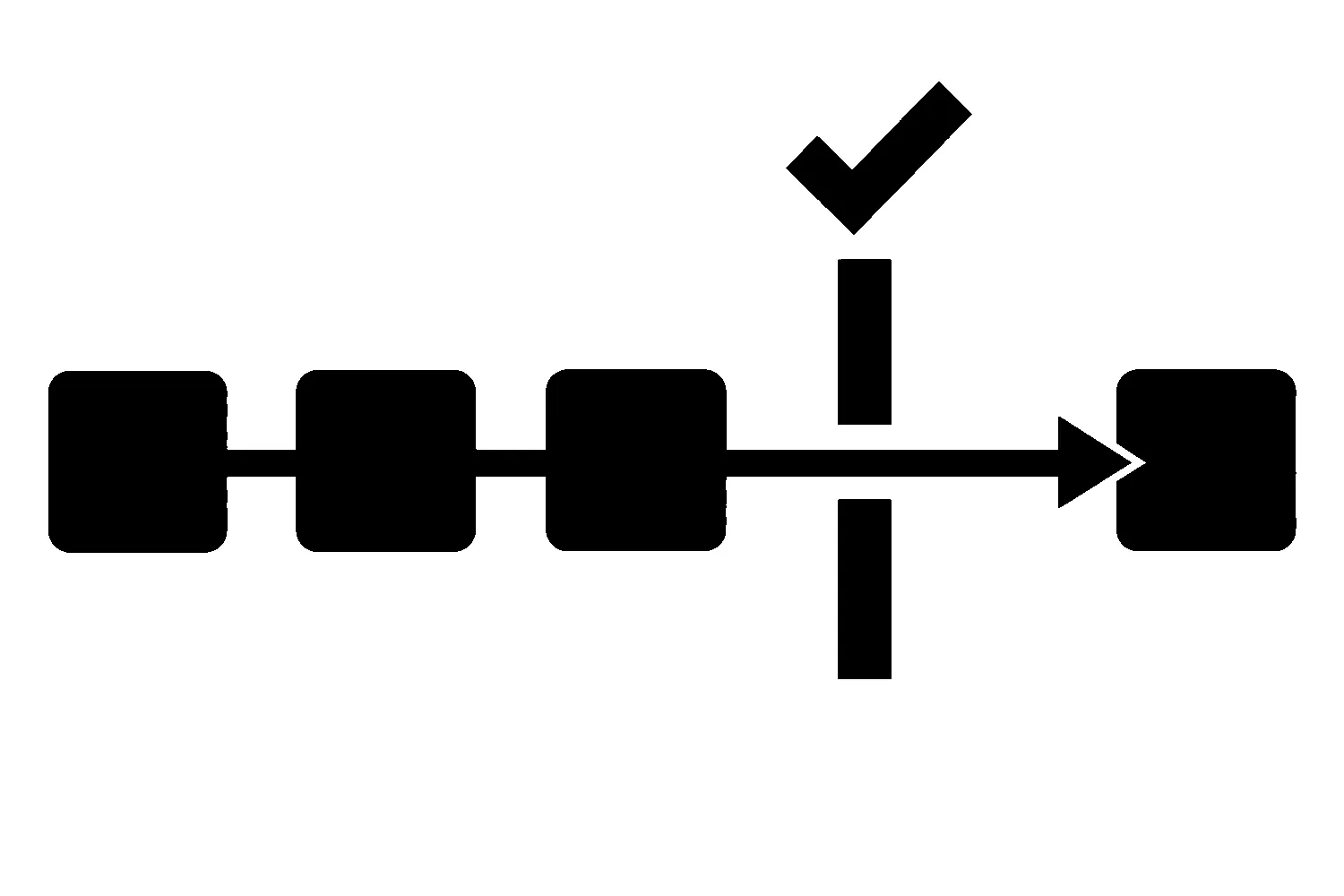
An approval gate fixes that. It is a point in the process where a specific person checks specific things and either releases the draft or sends it back. This article walks through how to build one without adding a lot of process.
Why a gate matters
Google’s guidance on generative AI content says the technology can be useful when researching a topic and adding structure to original content. It also warns that using these tools to generate many pages without adding value for users may violate its spam policy on scaled content abuse.
The same guidance is direct about accuracy. It explains that generative models don’t retrieve facts, but predict a likely sequence of words based on their training data, so outputs may contain inaccuracies. Its conclusion is that it is critical to manually fact-check and review all AI-generated content for accuracy and trustworthiness before publishing.
That review is not optional polish. It is the step that makes the rest of the workflow safe to use.
The five roles in an AI-assisted workflow
Every piece of content passes through the same five jobs, whether or not anyone names them. Write each one down with a person’s name beside it. In a small business one person may hold several roles, but the roles should still be separate steps.
- Researcher. Gathers the facts and sources the piece will rely on, before drafting starts.
- Drafter. Produces the first version. This may be a person, a tool, or both.
- Reviewer. Checks the draft against the sources and against what your business can honestly say.
- Approver. Releases the draft for publication. This should be a person with authority over what the business claims.
- Publisher. Puts the approved version live and confirms the live page matches what was approved.
The reviewer and the approver can be the same person on a small team. The drafter should not also be the only reviewer when the drafter is a tool.
Give every draft a state
A gate only works if everyone can see where a draft is. Use a short list of named states and let nothing skip ahead:
| State | Meaning | Who moves it forward |
|---|---|---|
| Researched | Sources collected and listed | Researcher |
| Drafted | First version exists | Drafter |
| In review | Reviewer is checking claims | Reviewer |
| Changes requested | Reviewer sent it back with notes | Reviewer |
| Approved | Approver released this exact version | Approver |
| Published | Live page checked against the approved version | Publisher |
A spreadsheet column or a task status is enough. What matters is that “Approved” is a recorded decision tied to a version, not a feeling that someone probably looked at it.
What the reviewer actually checks
Give the reviewer a checklist so the review is the same every time:
- Every factual claim has a source. If a statement cannot be traced to a source you can name, remove it or find one.
- Numbers and names are correct. Prices, dates, locations, service names, and people are the places drafts most often go wrong.
- Nothing promises a result you cannot deliver. Claims about rankings, leads, revenue, or timelines need a human to ask whether the business would stand behind them.
- The page says something your readers cannot get everywhere else. Google’s guidance warns against producing pages without adding value. If the draft is a generic summary, it needs your experience added or it should not ship.
- The metadata is checked too. Google’s guidance says the review also applies to metadata such as title elements, meta descriptions, structured data, and image alt text, because those can appear in search results.
Record what happened
Keep a short record for each published piece. It does not need to be elaborate:
- Which tool or model produced the draft, and on what date
- The sources the researcher used
- Who reviewed it and what they changed
- Who approved it, and which version
- Who published it and when
The same guidance suggests that sharing how a piece was created can give readers helpful context, for example background on how automation was used. Whether you tell readers is a business decision. Keeping the internal record is not optional, because it is what lets you answer a question later.
Plan for corrections
Some errors will get through. Decide in advance what happens when one does:
- Who receives a report of a mistake, and how quickly it is triaged
- Who can edit a live page
- How the fix is reviewed, since a quick correction is still content
- How the record is updated so the history stays accurate
A correction log is simply the list of those fixes. It is also useful as feedback: if the same kind of error appears twice, change the reviewer’s checklist or the way the drafter is prompted.
A common failure to avoid
The most frequent breakdown is not a bad tool. It is a gate that exists on paper and gets skipped when someone is busy. Two habits help:
- Make the published page match an approved version, and check that it does after publishing.
- Do not let the person who ran the tool be the only person who sees the result before it goes live.
If a deadline pushes the team to skip review, the deadline moves, not the review.
A starting template
You can copy this outline into any document or task tool:
| Item | What to write |
|---|---|
| Piece | Title and target page |
| Researcher | Name, sources used |
| Drafter | Name, tool or model used, date |
| Reviewer | Name, checklist result, changes made |
| Approver | Name, approved version, date |
| Publisher | Name, live URL, date checked |
| Corrections | Date, what changed, who approved the fix |
Where to go from here
We have written before about how to use AI in SEO with a human in the loop. This article takes that idea one step further: not just that a person should be involved, but where, and with what authority.
If you want help setting up a governed content workflow, our SEO services include building the process around your team and your tools. You can contact us to request a content-workflow review. No workflow can promise rankings or leads, but a clear approval gate keeps your site from publishing what nobody checked.
Sources
- Google Search Central, Google Search’s guidance on using generative AI content on your website (accessed 2026-10-30).
Jeremy Johnson
Owner
Jeremy co-owns Robben Media and directs strategy for every client engagement. With a Computer Engineering degree from Missouri S&T, he brings deep technical expertise in web development, SEO, and automation. Before acquiring Robben Media in 2023, Jeremy led marketing and branch management in the mortgage industry. He believes marketing should be measured by revenue generated, not impressions reported.