

Website Form Field Audit: Fewer Questions, Better Leads
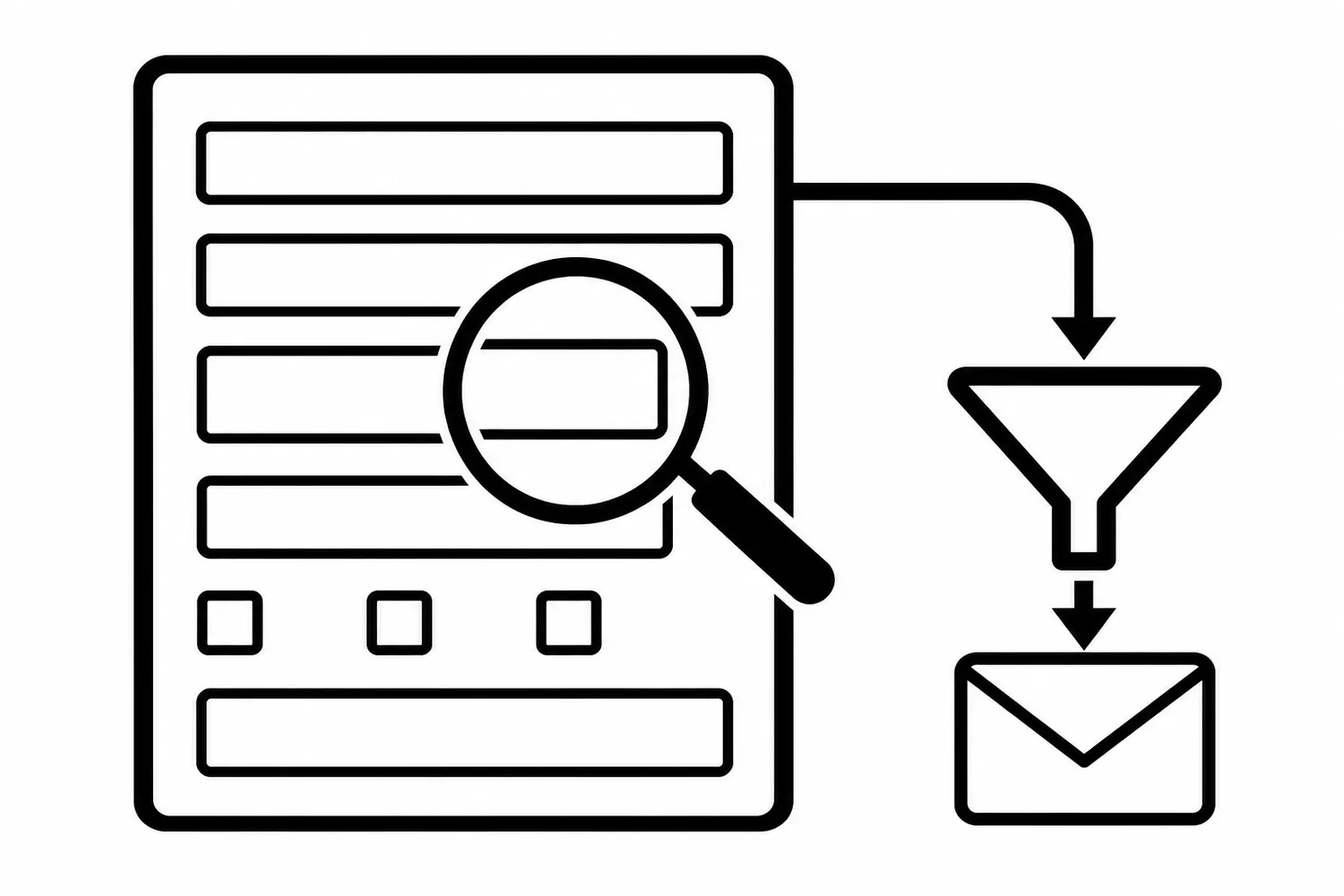
A form field should earn its place. It may route an inquiry, qualify a request, set expectations, or help the business respond. It also asks the visitor to do work. Removing fields blindly can make a form easier to submit and harder to use after submission.
A useful form audit weighs both sides: the value of the answer and the friction of asking for it. The goal is not the shortest form. It is a clear, accessible path that collects only what the next step needs.
Inventory the full submission path
Start with every public form that matters to the business: contact, quote, booking, support, or consultation requests. Record the page, form owner, intended audience, destination, and what happens after submission. Include confirmation messages, email notifications, CRM routing, and any spam controls.
For each field, write down:
- What decision or action uses the answer?
- Who needs it, and at what stage?
- Is it required, optional, conditional, or redundant?
- Can the answer be obtained later without slowing the first request?
- What does the visitor need to understand before providing it?
If no one can name a use for a field, that is a review question—not automatic proof it should disappear. A field may support legal, operational, or accessibility needs that are not obvious from the page alone.
Classify fields by job
| Field role | Example | Audit question |
|---|---|---|
| Reply route | Name, email, or phone | Which channel does the team actually use to respond? |
| Request context | Service, location, or project type | Does it route or prepare the next conversation? |
| Qualification | Timing, budget range, or eligibility | Is it necessary now, and is the question clear and proportionate? |
| Operational detail | Address, appointment window, or existing account | Is it needed to fulfill this specific request? |
| Measurement or consent | Attribution or communication preference | Is it transparent, optional where appropriate, and handled safely? |
Avoid collecting sensitive or unnecessary personal information. If a field’s purpose or retention is unclear, get the appropriate business owner to resolve it before changing the form.
Check clarity and accessibility before shortening
A short but confusing form is still a poor experience. Confirm every control has a meaningful label, instructions appear before they are needed, required fields are identified clearly, and errors explain how to recover. W3C’s form guidance recommends labels that identify each control and are programmatically associated with it; visible labels also help people who may not infer a field’s purpose from placeholder text alone.
Check the form on a phone as well as a desktop. Labels should remain understandable when the keyboard opens. Test keyboard navigation, focus order, validation, and the success message. A form that submits but gives no clear confirmation leaves visitors unsure whether to try again.
Test one hypothesis at a time
Before editing, record the current form version and establish a baseline that fits the traffic volume and business cycle. Useful measures may include starts, valid submissions, completion rate, qualified inquiries, routing errors, and abandonment by field—provided the measurement is configured and the data is handled appropriately.
Then state a testable hypothesis, such as: “Making the project-type question optional will reduce avoidable drop-off without increasing misrouted inquiries.” Change one meaningful thing at a time where practical. Compare like periods, preserve the original version, and define what evidence would make you keep or reverse the change.
Do not conclude that fewer fields caused more leads from a small or uneven sample. Changes in traffic source, seasonality, consent, spam filtering, or response time can move the observed numbers. A higher submission count is not automatically a better outcome if the inquiries cannot be served.
A field-by-field audit checklist
- Identify the form’s owner and the next person or system receiving each answer.
- Mark each field required, optional, conditional, or unexplained.
- Verify the wording, label association, instructions, and error recovery.
- Test the complete submission and confirmation path on mobile and desktop.
- Record the existing form before making an authorized change.
- Choose a measurable hypothesis and a rollback condition.
- Reconcile form submissions with qualified inquiries before claiming improvement.
If the purpose of a field is disputed, resolve that business decision before changing it. For a practical form-path review, Robben Media’s website design services can help connect page behavior to the next operational step. To discuss a specific form, contact us.
Sources
- W3C Web Accessibility Initiative, Labeling Controls (accessed 2026-10-16).
- Robben Media October 2026 canonical SWAS brief, 2026-10-16.
- Existing Robben Media content reviewed for distinction: Website Forms Are a Revenue System, Website Form Spam: Stop Junk Without Blocking Leads, and Landing Page Copywriting. Link status rechecked 2026-10-16.
Jeremy Johnson
Owner
Jeremy co-owns Robben Media and directs strategy for every client engagement. With a Computer Engineering degree from Missouri S&T, he brings deep technical expertise in web development, SEO, and automation. Before acquiring Robben Media in 2023, Jeremy led marketing and branch management in the mortgage industry. He believes marketing should be measured by revenue generated, not impressions reported.