

GA4 Key Events: Diagnose the Funnel Before You Blame Search
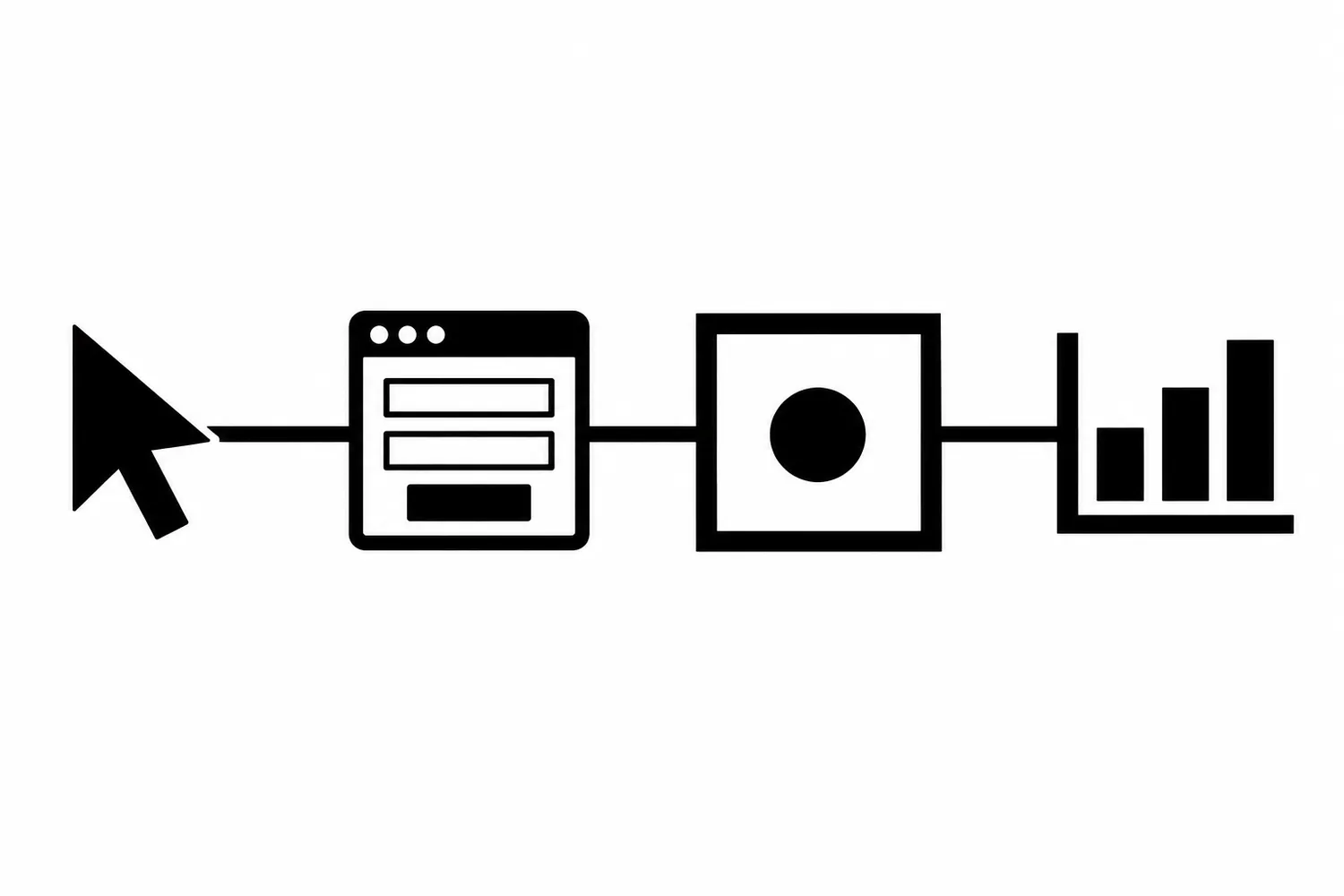
A report that shows fewer leads does not tell you, by itself, whether fewer people contacted the business. It may describe a real demand change. It may also describe a form that stopped firing an event, a consent change, a broken thank-you path, or a report with the wrong date range.
Before changing search strategy, trace the evidence from the visitor’s action to the report. A missing key event is a measurement question first—not proof that organic search failed.
Separate the business action from the event name
Write down what counts as a real business outcome: for example, a successfully submitted contact request that the business can confirm was received. Then record the event expected to represent it, where that event is triggered, and whether GA4 currently marks it as a key event.
Those are separate facts. A GA4 event can be collected without being a key event. A thank-you pageview may be a useful signal, but it can overcount if a visitor reloads the page or reaches it without completing the form. A button click is not necessarily a completed lead.
Google’s event guidance recommends checking whether an appropriate automatically collected or recommended event already exists before creating a custom event. Do not add a second event just because a report is inconvenient; duplicate implementations can count the same action twice.
Trace one test conversion end to end
Use a controlled test that does not create a false sales record. Coordinate with the site owner so the submission is clearly identified as a test and is excluded from normal lead handling where possible.
- Confirm the property and stream. In Admin, select the intended property and its web data stream. Verify the stream’s website URL and that the site’s tag points to that stream. The property ID alone does not prove the stream is for the correct domain.
- Inspect the path. Follow the same consent choice, page, form validation, submit action, and confirmation behavior a visitor would use. Check both the visible success state and any destination page.
- Check collection. Use the appropriate tag/debugging tools and GA4 DebugView or Realtime view to see whether the expected event arrives. Confirm its event name and useful parameters; do not send personal form contents as event parameters.
- Check configuration. Verify the event definition, key-event status, filters, and report date range. A newly collected event may not immediately appear in every processed report.
- Compare systems. Match the test against the form’s own submission record or another authorized source. A GA4 event is evidence of instrumentation, not proof that a human inquiry was received or qualified.
If the event is absent, identify the earliest broken step. If it is present but missing from a report, check reporting freshness and configuration before changing the tag. Document the test time, property, stream URL, expected event, observed event, and result.
Diagnose four different failure classes
| Observation | Possible class | Next evidence to collect |
|---|---|---|
| No event in a test session | Tag, consent, browser, or trigger issue | Debug trace and consent state |
| Event appears in debug but not the expected report | Processing, filters, property, or date-range issue | Property/stream and report settings |
| Event is counted but business submissions fell | Funnel, form, eligibility, or demand issue | Redacted form totals and path tests |
| Event volume jumps without business volume changing | Duplicate trigger or overly broad event rule | Tag history and event-trigger conditions |
These are starting hypotheses, not conclusions. Confirm them with the relevant owner and current configuration. Do not infer that SEO caused the direction of a lead trend from an unverified event count.
Keep the measurement decision reversible
Before changing an event or tag, record the existing trigger and configuration. Prefer a narrow change in a test environment when one exists, then submit a controlled test and compare the event stream with the business record. Keep the prior setup available for rollback. After any authorized change, verify both that the intended event fires once and that unrelated events still behave as expected.
Google notes that data freshness varies by processing interval; realtime signals and finalized reports are not interchangeable. Preserve the date range and report context when comparing periods, and allow for processing before declaring a permanent loss.
A short pre-strategy checklist
- Is the correct GA4 property selected?
- Does its web stream identify the intended site domain?
- Does one controlled test reach the expected event?
- Is the event marked as a key event for the intended business action?
- Do form or CRM records support the same direction?
- Are date range, consent, filters, and report freshness comparable?
- Is the change in tracking distinct from a change in organic demand?
Only after those checks should a team decide whether search strategy needs to change. If the measurement path is unclear, Robben Media’s SEO services can help map the event to the actual customer journey. For a specific measurement review, contact us.
Sources
- Google Analytics Help, Set up Analytics for a website and/or app (accessed 2026-10-10).
- Google Analytics Help, Custom events (accessed 2026-10-10).
- Google Analytics for Developers, Recommended events (accessed 2026-10-10).
- Robben Media October 2026 canonical SWAS brief, 2026-10-14. No private Analytics report or measurement data incorporated.
Jeremy Johnson
Owner
Jeremy co-owns Robben Media and directs strategy for every client engagement. With a Computer Engineering degree from Missouri S&T, he brings deep technical expertise in web development, SEO, and automation. Before acquiring Robben Media in 2023, Jeremy led marketing and branch management in the mortgage industry. He believes marketing should be measured by revenue generated, not impressions reported.