

Redirect Debt: When Legacy URLs Start Costing Visibility
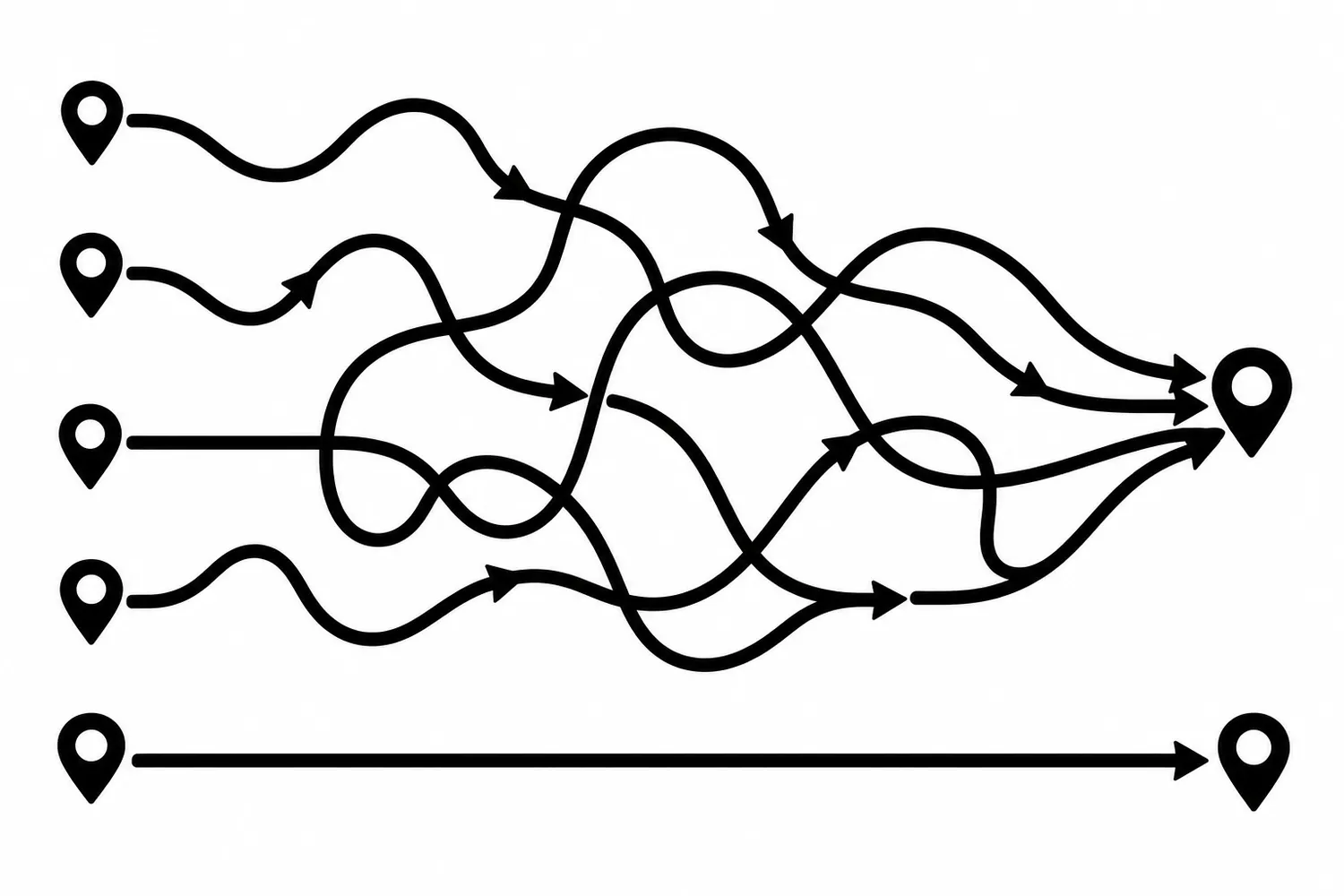
Every redesign, rename, and URL cleanup leaves redirects behind. One redirect is a fix. A few years of them stack into something else: old rules nobody remembers, chains where one old address hops through two others, and internal links that still point at addresses the site abandoned long ago.
That pile is redirect debt. It rarely breaks anything loudly, which is why it grows. The goal of this article is not to flatten every redirect. It is to measure the pile, sort it, and pick the smallest cleanup worth scheduling.
What redirect debt actually is
A redirect tells a browser or crawler that a URL now lives somewhere else. Google’s redirect documentation describes permanent redirects such as 301 and 308 as a signal that the target should be the canonical URL, and temporary redirects such as 302 as a signal that the source page may stay in search results.
Redirect debt builds up when those rules outlive the reason they were written:
- Chains. An old URL redirects to a second URL, which redirects to a third.
- Stale internal links. Pages, menus, and blog posts still link to the old address, so every click pays for a hop the site could have skipped.
- Wrong type. A temporary redirect left in place for a move that was always permanent.
- Orphaned rules. Rules for URLs that nobody links to, nothing indexes, and no one has requested in a long time.
- Loops. Rules that point back at each other. MDN notes that a loop breaks the page completely for the visitor.
MDN also points out that each redirect costs an extra round trip, so redirects should be kept to a minimum. One hop is normal. The cost of a long chain is the reason to look.
Step 1: Count what you have
Before changing anything, get a number. You need three lists, and each one comes from a different place:
- The rules. Export the redirect rules from where they live: the server configuration, a redirect plugin, a hosting control panel, or the site’s own configuration files.
- What crawlers and visitors request. Your server logs and the Search Console reports show which old URLs are still being requested.
- What your own site links to. A crawl of your site shows which internal links still point at redirected addresses.
Put them in one sheet: old URL, current target, status code, number of hops, and where each one is still linked from. Our migration checklist covers building the first map during a redesign. Redirect debt is what that map becomes two years later when nobody has maintained it.
Step 2: Sort intended from accidental
Not every hop is a problem. Sort each redirect into one of three groups.
- Intended. A deliberate permanent move: an old service page to its replacement,
httptohttps, the non-preferred host to the preferred one. Keep these. - Accidental. A hop that exists only because a later change was stacked on an earlier one. These are the chain links worth shortening.
- Dead weight. A rule for a URL with no links, no requests, and no value as a bookmark. Candidates for retirement, but only with evidence.
Avoid a universal threshold such as “never more than one hop” applied blindly. A better question is what each redirect is for and what it costs if it fails. A chain on a page that carries a lot of links or leads to a contact form matters more than a chain on a URL nobody has requested in a year.
Step 3: Fix the cheapest thing first
The smallest safe cleanup is usually not touching the rules at all. It is updating the links.
- Point internal links at the final URL. Menus, footers, and in-content links should go straight to the destination. That removes a hop for every visitor without changing a single redirect rule.
- Shorten chains by pointing the first rule at the last destination. Leave the old URL redirecting, but make it go to the end of the chain in one step.
- Keep the old rule in place. External sites, bookmarks, and old emails may still use the old address. Retiring the rule breaks those.
We did this on our own site not long ago: re-pointing internal blog links away from legacy addresses to their live destinations was a content change, with no redirect rules touched. It is a good first move because it is easy to review and easy to undo.
Step 4: Retire a rule only with evidence
Deleting a redirect is the risky step, so ask for proof first:
- No internal links point at it. A fresh crawl confirms this.
- Search Console and server logs show no meaningful requests for it over a stretch of time you chose in advance.
- No known external links or printed materials use it.
- You can restore it quickly if something turns up.
If any of those is unknown, leave the rule. A redirect that costs nothing to keep is cheaper than a broken link to a page that still gets visits.
Step 5: Test before and after
Whatever you change, check it like a visitor and like a crawler:
- Request the old URL and confirm the status code and the final destination.
- Confirm the final page returns
200, not another redirect. - Check that you did not create a loop.
- Re-crawl the site and compare the redirect count with your starting sheet.
Write down what you changed and why. Our website change log guide explains the kind of short record that makes this easy to audit later.
Redirect debt is a maintenance habit
You do not need a big project. A recurring review, with a crawl, a look at which redirected URLs are still requested, and a short list of fixes, keeps the pile from becoming a migration problem all over again. It also pairs well with what you already track in SEO: if rankings or crawl reports start to look odd after a site change, the redirect sheet is one of the first things to read.
If you would rather hand this off, we can build a redirect inventory and a risk-ranked cleanup plan for your site as part of website maintenance. You can also contact us to start with a redirect inventory.
Sources
- Google Search Central, Redirects and Google Search (accessed 2026-10-22).
- MDN Web Docs, Redirections in HTTP (accessed 2026-10-22).
Jeremy Johnson
Owner
Jeremy co-owns Robben Media and directs strategy for every client engagement. With a Computer Engineering degree from Missouri S&T, he brings deep technical expertise in web development, SEO, and automation. Before acquiring Robben Media in 2023, Jeremy led marketing and branch management in the mortgage industry. He believes marketing should be measured by revenue generated, not impressions reported.