

Canonical and Duplicate URL Audits for Small Websites
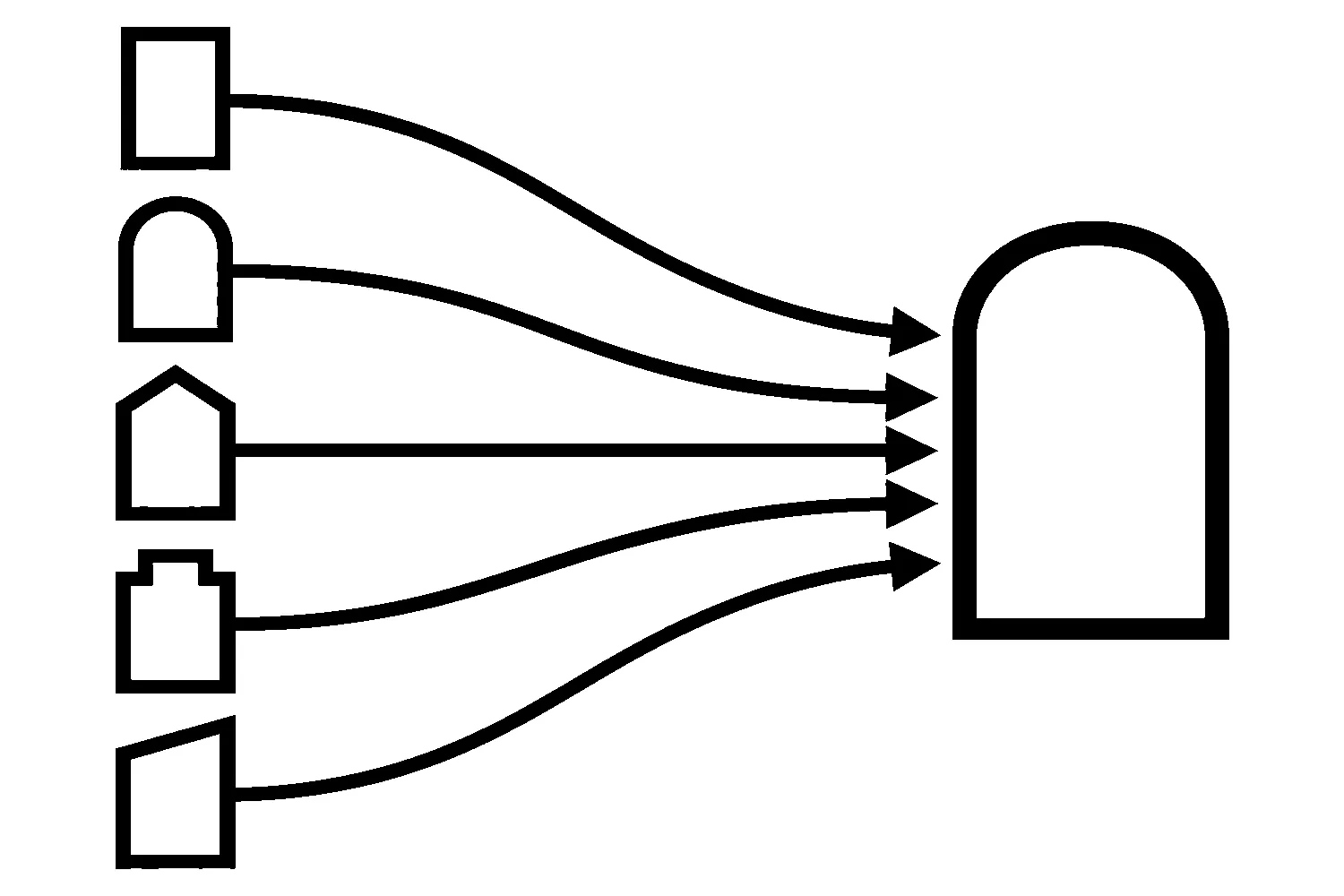
A small website can be reached through more addresses than its owner realizes. The same page may answer at a URL with a trailing slash and one without, with a tracking parameter on the end, on a www and a non-www host, or on a leftover staging copy. To a visitor these are one page. To a crawler they are separate addresses that have to be sorted out.
A canonical audit is how you do that sorting on purpose. The goal is not to hunt down every overlap. It is to find the real duplicates, decide which address you want people to see, and make every signal on your site agree.
What a canonical URL is
When several URLs show the same or very similar content, search engines pick one as the main version. That version is the canonical URL. Google’s documentation on canonicalization says you can state your preference, and it ranks the common methods by how strongly they influence the choice:
- Redirects are a strong signal that the target should become canonical.
rel="canonical"link annotations are also a strong signal that the specified URL should become canonical.- Sitemap inclusion is a weak signal that helps the included URLs become canonical.
Google adds that these methods can stack, and that none of them are required. If you do not specify a preference, Google picks the version it judges best to show. An audit is for the cases where you want that choice to be yours.
Step 1: Build a list of every address the site answers on
Start with a list, not a tool report. You are looking for the different ways one page can be reached:
- Trailing slash.
/services/and/servicesboth load. - Host.
wwwand non-www, or an old subdomain, both load. - Protocol. The
httpversion loads instead of redirecting tohttps. - Parameters. Tracking, sorting, or session parameters create new addresses for the same content.
- Staging or preview copies. A development site that is publicly reachable.
- Case and index files. Upper-case paths or
/index.htmlendings that return the page.
Pull the candidates from several places: a crawl of your own site, your sitemap, the Search Console page indexing report, and your analytics landing-page list. No single source shows all of them.
Step 2: Separate true duplicates from look-alikes
A crawl will flag many pairs of URLs. Most of them need no action. Sort each pair into one of four groups before deciding anything:
- Exact duplicates. Same content, different address. These need a single canonical choice.
- Near duplicates. Very similar content, such as a filtered view of a list. These need a decision about which page deserves to be indexed.
- Intentional pagination. Page 2 and page 3 of a list are different pages with different content. Do not treat them as duplicates.
- Genuinely different pages that look alike. Two service pages with similar wording but different offers are a content question, not a canonical question.
Skipping this step is the most common audit mistake. A crawled list of URLs says that addresses exist. It does not say they are duplicates. Open both addresses and compare what a visitor sees.
Step 3: Decide the address you want, then check that every signal agrees
For each true duplicate group, pick one address. Then read all of the signals together, because they have to point to the same place:
- The page’s own
rel="canonical". Google recommends a self-referential canonical on the canonical page itself. - Redirects. If a duplicate should not exist at all, a permanent redirect to the preferred URL is the cleanest fix. Google describes redirects as appropriate when you are deprecating a duplicate page.
- The sitemap. It should list the address you chose, not a variant.
- Internal links. Google advises linking to the canonical URL rather than a duplicate URL, and consistent links help it understand your preference.
- HTTPS. Google prefers the HTTPS version as canonical by default, but conflicting signals such as an HTTPS page that points its canonical at an HTTP address can override that.
Google also warns against specifying different canonical URLs for the same page using different techniques, for example one URL in the sitemap and a different one in the rel="canonical" element. Conflicts like that are exactly what an audit exists to find.
Step 4: Fix the disagreement, not the symptom
Match the fix to the cause:
- A duplicate that should not exist (an old host, an HTTP version, a stray
index.html): redirect it permanently to the preferred URL. - A duplicate that must stay reachable (a parameter used for tracking): point its canonical at the clean address.
- A sitemap that lists variants: regenerate it so it lists only preferred addresses.
- Internal links that use a variant: update them to the preferred URL. This is often the lowest-risk change, because it touches links rather than rules.
Google also says not to use robots.txt for canonicalization, because a blocked URL can still be indexed without its content, and not to use noindex to steer canonical selection inside a single site, because it blocks the page from search entirely.
Step 5: Check the result like a crawler
After a change, verify it rather than assuming:
- Request each former duplicate and confirm where it ends up and with which status code.
- View the source of the preferred page and confirm its canonical points to itself.
- Confirm the sitemap contains the preferred address and no variants.
- Re-crawl and compare the duplicate count with your starting list.
- Check the Search Console page indexing report again after Google has had time to recrawl. Treat the report as a slow signal, not an instant one.
Keep a short record of what you changed and why. Our website change log guide describes the kind of note that makes this easy to review later.
When to run the audit
You do not need to audit every month. Run one after a redesign or migration (our redesign SEO migration checklist covers the planning side), after changing your URL structure, or when the indexing report starts showing pages you did not expect. It also fits naturally inside a broader SEO review.
If you would like a second set of eyes on your own site, we can run a canonical and duplicate-route review as part of our SEO services. You can also contact us to request a review.
Sources
- Google Search Central, How to specify a canonical URL with rel=“canonical” and other methods (accessed 2026-10-23).
Jeremy Johnson
Owner
Jeremy co-owns Robben Media and directs strategy for every client engagement. With a Computer Engineering degree from Missouri S&T, he brings deep technical expertise in web development, SEO, and automation. Before acquiring Robben Media in 2023, Jeremy led marketing and branch management in the mortgage industry. He believes marketing should be measured by revenue generated, not impressions reported.