

A Content Pruning Framework for Small-Business Blogs
Every blog that has been running for a few years collects posts nobody reads. Some were written for a topic you no longer serve. Some say the same thing as three other posts. A few are simply out of date. The tempting fix is a purge: export a list, delete everything under a traffic threshold, and call the site cleaner.
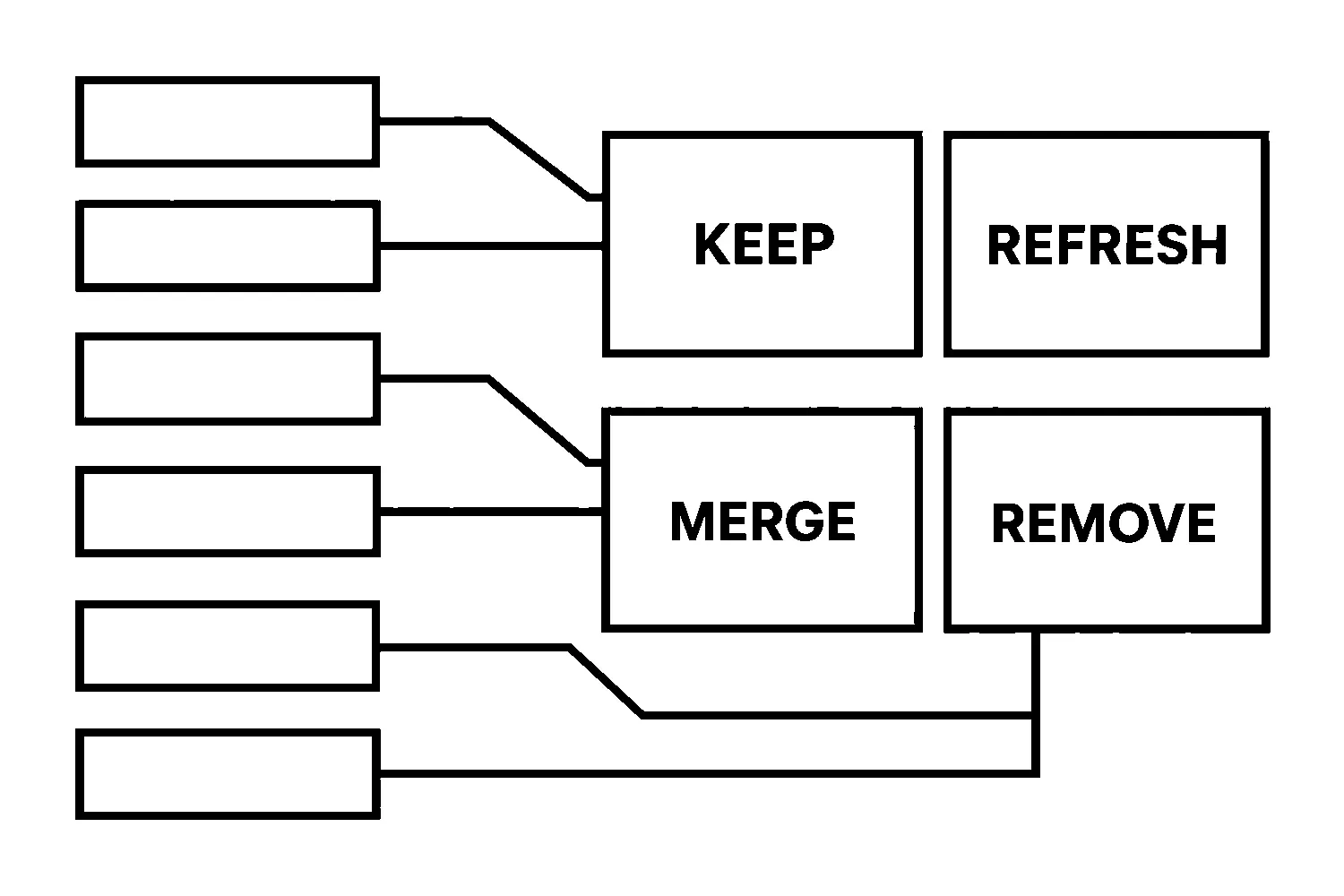
That is how useful pages disappear. A post with little traffic may still be the one that earns the occasional enquiry, collects links from other sites, or supports a service page. This framework slows the decision down to one page at a time and gives each page one of five outcomes: keep, refresh, merge, redirect or remove.
It is a decision aid, not a guarantee of any traffic change. Pruning changes what your site asks readers and search engines to spend attention on. It does not promise a particular ranking.
Key takeaways
- Do not prune on traffic alone. Check links, conversion value and update cost too.
- Every page ends in exactly one outcome: keep, refresh, merge, redirect or remove.
- Use a permanent redirect when a page’s content moves; use removal only when nothing replaces it.
- Record each decision so you can explain it and reverse it.
Step 1: Build the inventory
Start with every blog URL on one sheet. For each, record the title, publish date, last update, and the page it is most similar to if you know of one. Your CMS or repository gives you the list; a crawl confirms what is actually live.
Then add four evidence columns:
- Traffic: visits from search over a period long enough to smooth out seasonality. Twelve months is a sensible default for a small site.
- Links: which other pages link to it, from your own site and from outside. Google’s Search Console links report shows top linked pages on your site, so you can see which of your posts other sites reference. Google notes the report is a sample and may include links that have since been removed, so treat it as a lead, not a complete record.
- Conversion value: whether the page leads to contact forms, calls or visits to a service page.
- Update cost: your honest estimate of the work needed to make the page good: a light edit, a rewrite, or a fresh start.
Do not fill in numbers you cannot find. A blank cell is a prompt to check, not a zero.
Step 2: Ask whether the page deserves to exist
Before reading the numbers, ask what the page is for. Google’s guidance on helpful, people-first content offers self-assessment questions that translate well to an audit: does the content provide substantial, complete value, is it something you would want to recommend, and will a reader leave feeling they learned enough to reach their goal?
A page that fails those questions is a candidate for change no matter what its traffic looks like. A page that passes them but has little traffic may only need better links or a clearer title.
Step 3: Sort each page into one of five outcomes
Keep
The page is accurate, useful and doing its job, even if modestly. Leave it alone. Record why, so the next audit does not reopen the question.
Refresh
The topic is still relevant to your business, but the page is dated, thin or hard to follow. Update it in place and keep the same URL, so any links and history stay attached. Refresh before you promote: do not add internal links to a weak page until it has been improved.
Merge
Two or more posts cover the same question, and neither is clearly better. Pick the stronger URL, fold the best material from the others into it, and then redirect the retired URLs to it. Merging reduces the chance that your own pages compete for the same reader.
Redirect
The page has no reason to stay on its own, but a better page exists on the same subject. Send the old URL to that page. Google explains that permanent redirects are a signal that the redirect target should be treated as canonical, and recommends a server-side 301 or 308 where possible. Redirect to the closest match, not to the home page by default, so the reader lands where they expected.
Remove
The page is off-topic, wrong, or harmful to leave live, and nothing on your site replaces it. Remove it. Google’s documentation on HTTP status codes says pages that return a 4xx status are not indexed and are dropped from the index over time. Use removal sparingly, and not for a page that has a close replacement, since a redirect serves readers better.
Step 4: Apply the decision rules
A few simple rules keep the sorting consistent:
- Outside links or real enquiries? Do not remove. Refresh, merge or redirect instead, so that value has somewhere to go.
- Low traffic but clearly on-topic and accurate? Keep or refresh. Low traffic alone is not a defect.
- Overlaps another post? Merge or redirect. Pick the better URL first.
- High update cost and low value? Redirect or remove. Do not spend a day on a post that does not serve your business.
- Unsure? Keep and flag it. A reversible decision is better than a rushed one.
Step 5: Make changes in a safe order
Work in small batches so you can see the effect of each. For each batch:
- Save a copy of the current pages and the redirect map.
- Make the content changes first: refreshes and merges.
- Add the redirects for merged and redirected URLs.
- Update internal links so they point at the final URLs, not at redirects.
- Update your sitemap and check that redirected URLs are no longer listed in it.
- Test a sample of old URLs to confirm they reach the right destination in one hop.
Then wait. Google has to recrawl pages before it reflects changes, and the time that takes varies. Note the date of each batch so you can compare later.
Step 6: Keep the record
For every page, keep one row: URL, outcome, reason, date, and who decided. If someone asks in six months why a post disappeared, the answer is in the sheet. If a decision turns out to be wrong, you know exactly what to restore.
Common mistakes
- Deleting by threshold. A traffic cutoff cannot see links, enquiries or topic fit.
- Redirecting everything to the home page. It confuses readers and gives them nothing relevant.
- Pruning without improving. Removing weak pages does not fix the ones you keep.
- Skipping the record. An undocumented purge cannot be audited or reversed.
Next step
If you would rather not do this alone, you can request a content-inventory review through our SEO service page. We will go through your blog with you, page by page, and show you what we would keep, refresh, merge, redirect or remove, and why. You can also contact us with your blog address, or read how to choose metrics worth tracking before you start.
Jeremy Johnson
Owner
Jeremy co-owns Robben Media and directs strategy for every client engagement. With a Computer Engineering degree from Missouri S&T, he brings deep technical expertise in web development, SEO, and automation. Before acquiring Robben Media in 2023, Jeremy led marketing and branch management in the mortgage industry. He believes marketing should be measured by revenue generated, not impressions reported.