

Internal Link Audits That Change What You Publish Next
Most internal link advice stops at technique: use descriptive anchors, link to related pages, do not overdo it. That advice is sound, and we cover it in our internal linking best practices guide. What it leaves out is the part that matters on a real site: what do you do with the results of looking at your links?
An internal link audit earns its time when it changes a decision. It should tell you which page to link to next, which article to refresh before writing a new one, and which topic your site already has enough of. This guide shows a repeatable way to run one so the output is a short queue of actions rather than a long list of observations.
It is a planning method, not a promise about rankings. Linking changes how readers and crawlers move through your site; it does not guarantee any position in search results.
Key takeaways
- Define the scope and the business priority pages before you count a single link.
- Look for two patterns: important pages that few pages point to, and pages that get lots of links but do little for the business.
- Check that the links are real, crawlable links with descriptive anchor text.
- Turn each finding into one of four actions: add links, fix links, refresh a page, or change the next article you publish.
- Record owners and dates so the next audit starts from this one.
Step 1: Set the scope and name the pages that matter
Before you crawl anything, write down which pages the business needs found. For a service business that is usually a short list: the main service pages, the contact page, and a handful of articles that already bring in qualified visitors. Everything else is supporting content.
Without that list, an audit drifts into counting. With it, every finding can be judged against a clear question: does this help the pages that matter get discovered and understood?
Also decide the boundary. Are you auditing the whole site, only the blog, or one topic cluster? A smaller scope finished beats a full-site audit abandoned halfway.
Step 2: Confirm the links are links Google can follow
Counting links is only useful if the links work. Google’s guidance on links says that, generally, it can only crawl a link that is an HTML anchor element with an href attribute. Links that depend on script events, or tags that act like links without an href, may not be parsed. Google’s link best practices also say the URL in the href should resolve to an actual web address that crawlers can request.
This matters most on sites with custom menus, “read more” cards built from scripts, or embedded widgets. If your key pages are only reachable through links Google may not parse, a count from a crawler that renders everything can look healthier than the reality for search.
Check two things for each priority page: does at least one ordinary anchor link point to it, and is that link in the delivered page rather than added only after interaction?
Step 3: Read the anchor text as a sentence, not a keyword
The same Google guidance describes good anchor text as descriptive, reasonably concise, and relevant to both the page it sits on and the page it points to. It also warns against generic anchors such as “click here” or “read more,” and against cramming keywords into a link. It adds that the words before and after a link matter, so the whole sentence gives context.
In practice, scan the anchors pointing at each priority page and sort them:
- Descriptive: tells a reader what they will find.
- Generic: “learn more,” “this article,” “here.”
- Forced: an anchor that reads like a search query pasted into a sentence.
Generic and forced anchors are quick fixes and rarely need new content. Note them and move on.
Step 4: Find the imbalances
Now compare two lists.
Under-linked priority pages. Take your priority list and count how many other pages link to each one, and from where. A service page that is linked only from the main menu has one door. If related articles never mention it, readers who just finished a relevant guide have no obvious next step.
Over-linked low-value pages. Some pages collect links because they were convenient to link to years ago: an old announcement, a thin tag page, a post on a topic you no longer serve. These are not automatically a problem. They are worth a look because each link you place on a page is a choice about where attention goes, and old habits may be pointing it at the wrong place.
Also look for orphans: pages that no other page on the site links to. A page that only appears in your sitemap is harder for readers to find and gives crawlers fewer signals about how it relates to the rest of your content. For each orphan, decide whether it deserves links or deserves retirement.
Step 5: Turn each finding into one of four actions
This is the step that separates an audit from a report. For every finding, pick exactly one action:
- Add links. An important page is under-linked, and there are existing articles where a link would genuinely help the reader. Name the source page, the target page and the sentence.
- Fix links. The link exists but is broken, script-only, points to a redirected address, or uses a generic anchor. Correct it.
- Refresh a page. The page is relevant but outdated, thin, or overlaps another article. Update it before adding links to it, so you are not sending readers to something weak.
- Change the publishing queue. A topic your priority pages depend on has no supporting article, or a planned article duplicates one you already have. Add the missing topic to the queue, or redirect the planned one.
The fourth action is the one most audits miss. If three of your service pages have no supporting guides, the audit has just told you what to write next. If a planned post would cover ground an existing article already owns, the audit has told you to refresh the existing article instead.
Keep the output short. A good first audit produces a page of actions, not a hundred.
Step 6: Assign owners and set a review date
An action without an owner stays on a list. For each item, write who will do it and by when. Link fixes can usually be done in an afternoon. Page refreshes and new articles belong in the content calendar with a date.
Then record what you found and what you changed. A simple row per priority page is enough: the date, the number and kind of links found, the action taken, and the owner. When you repeat the audit next quarter, compare against that record instead of starting over.
Content quality still sets the ceiling. Google’s guidance on helpful, people-first content asks whether content provides substantial value and whether someone will leave feeling they learned enough to achieve their goal. Links help people reach that content, but they cannot make a thin page useful.
A short example of the decision flow
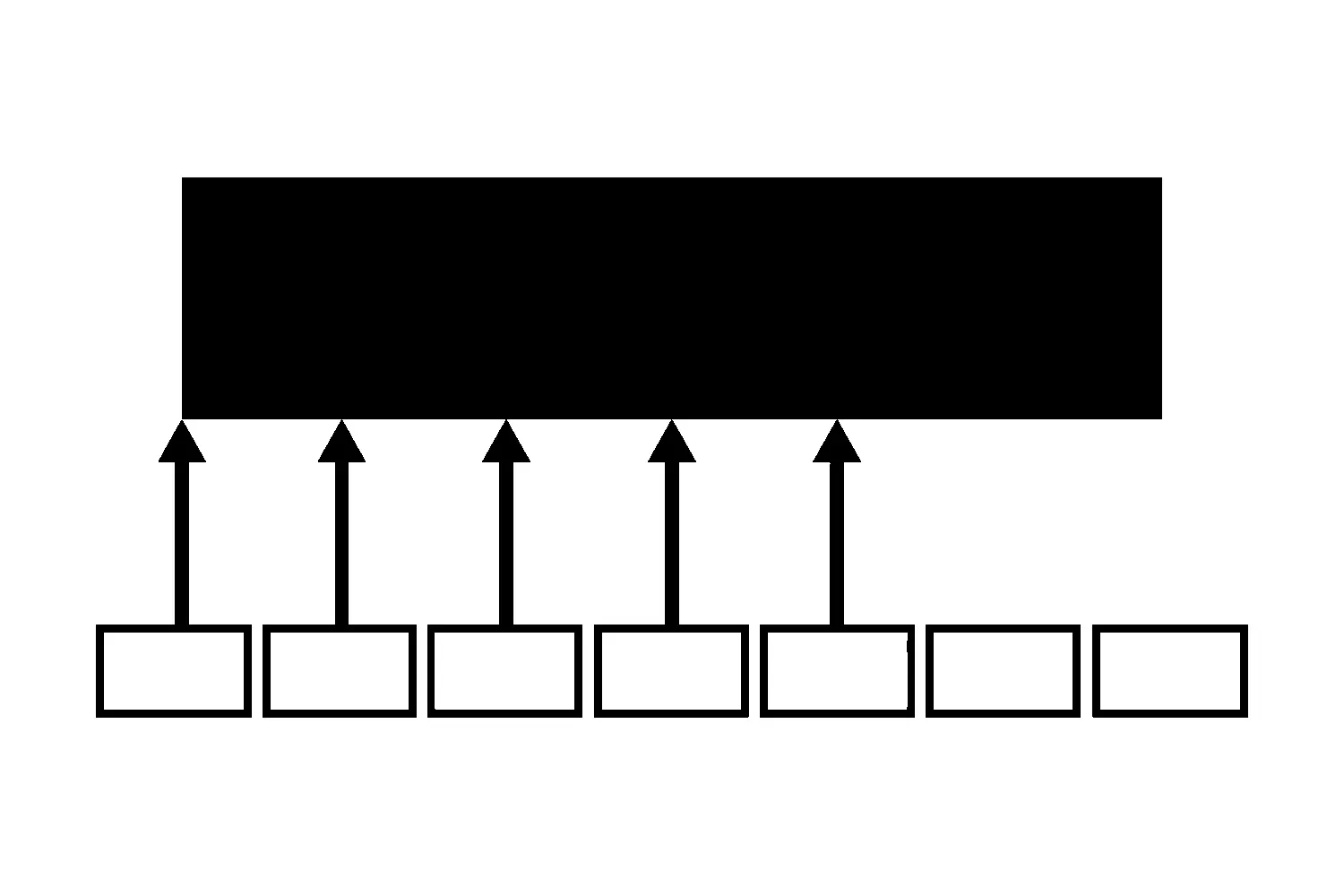
Imagine a site with a website maintenance service page and eight blog posts about plugin updates, backups and uptime. The audit finds that only one of the eight posts links to the service page, the others link to each other, and two use “read more” as the anchor.
The actions might be:
- Add a descriptive link to the maintenance service page in the five posts where it fits the topic.
- Replace the two generic anchors with descriptive ones.
- Refresh the oldest post before sending more readers to it.
- Skip a planned article on backup basics, because one of the existing posts already owns that topic, and queue a guide on restoring from a backup instead.
Nothing in that list needed a tool beyond a crawl, a spreadsheet, and judgment about the business.
Common mistakes to avoid
- Starting with a tool export. The export has no idea which pages matter to your business.
- Treating every orphan as a problem. Some pages are meant to stand alone, such as a thank-you page.
- Adding links just to raise a count. A link a reader would never click is noise.
- Skipping the queue. If findings never reach your publishing plan, the same gaps reappear next year.
Next step
If you want a second set of eyes, you can request an internal-link and publication-queue review through our SEO service page, or contact us with the pages you most need found. We will look at how your priority pages are linked today and tell you which fixes and which next articles make sense.
Jeremy Johnson
Owner
Jeremy co-owns Robben Media and directs strategy for every client engagement. With a Computer Engineering degree from Missouri S&T, he brings deep technical expertise in web development, SEO, and automation. Before acquiring Robben Media in 2023, Jeremy led marketing and branch management in the mortgage industry. He believes marketing should be measured by revenue generated, not impressions reported.