

Plugin Updates Aren't One Click
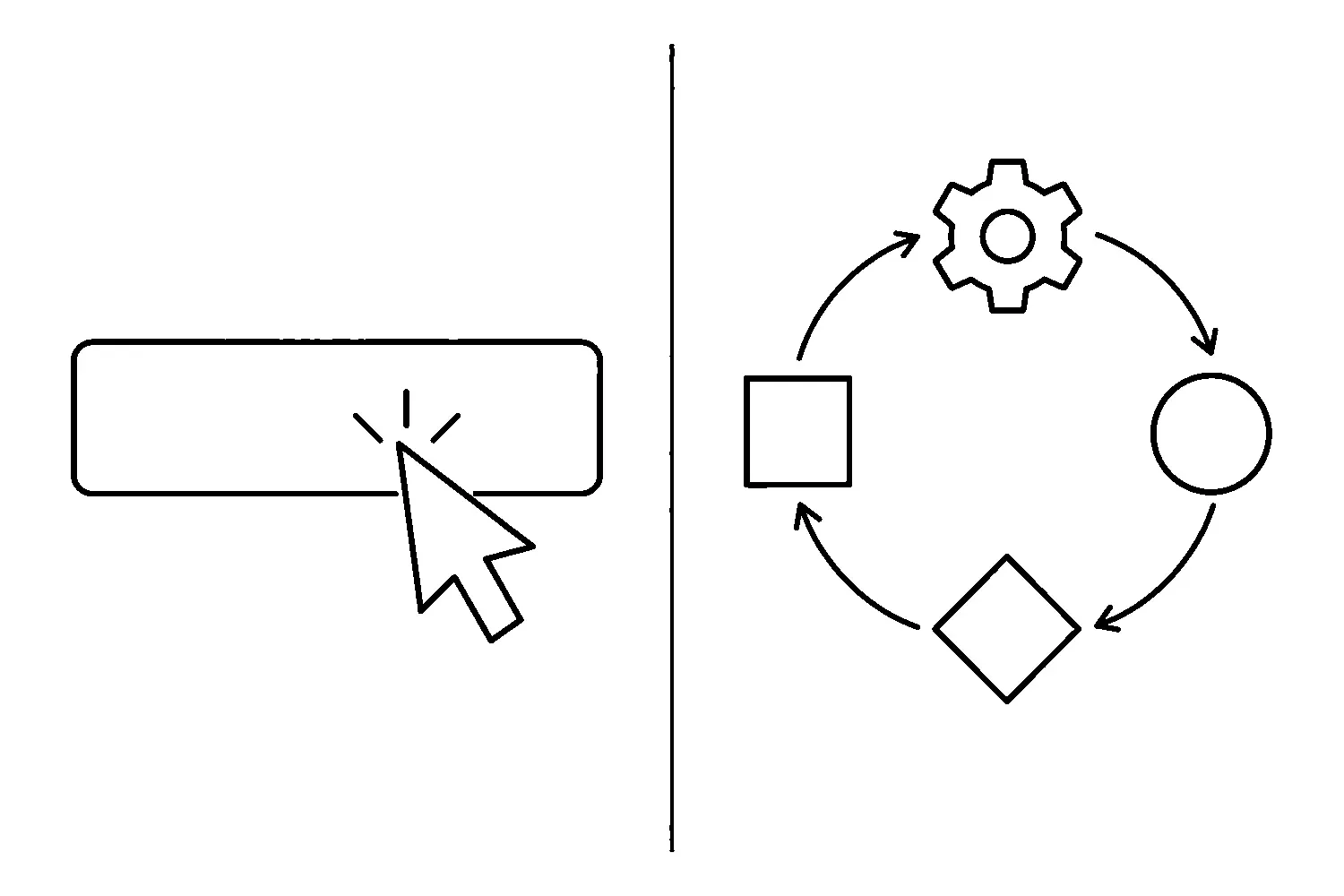
The update button sits right there in your WordPress dashboard. One click and the plugin is current.
So why do we treat plugin updates as a managed process instead of a click?
Because the button is the least interesting part of the job. WordPress documented in 2023 that a failed manual plugin update now rolls back automatically, which makes the update itself safer than it used to be. That safety net covers the moment of installation. It does not cover the questions that decide whether an update was a good idea in the first place: what changed, what else is on the site, what happens to your data if the new version migrates a database, and who is checking the site afterwards.
That is the difference between updating a plugin and maintaining a website. The click is one step in a loop. Skip the rest of the loop often enough and the odds catch up with you — usually on the busiest week of the year.
What the update button actually does
When you click Update, WordPress downloads the new version, replaces the old files, and — on a modern version of WordPress — keeps a transient copy of the old plugin so it can restore the previous state if the installation fails partway through.
That is genuinely useful. It is also narrower than most people assume:
- The rollback only triggers when the update process fails — a bad package, a permissions problem, a file that will not move into place. It does not test whether the new version works with your theme or your other plugins.
- The temporary backup disappears as soon as the update finishes. WordPress’s own developers are explicit that it is not a way to go back to an older version after a successful update. The plugin management handbook treats a real backup as a separate step for a reason.
- Nothing on the list checks your forms, checkout, or booking flow. The site can be “up” and still be quietly broken where it makes money.
A one-click mindset assumes the button handles all of that. It handles none of it.
The loop we run instead
When we update plugins on a managed site, the update is one line item in a sequence. The shape of it looks like this:
1. Read before you update. What changed in this release? A changelog that says “security fix” is a different decision from “added a color picker.” Security releases deserve same-day attention; cosmetic releases can wait for a maintenance window. This is also where you catch the version conflicts other people are already reporting in the support forum.
2. Back up with a restore path you have actually tested. A backup you have never restored is a hope, not a backup. Before a plugin update, we want a current backup and a known way to get it back — and we want to know how long that restore takes, because that is your worst-case outage.
3. Test where a mistake is cheap. A staging copy is ideal. A maintenance window on a quiet evening is the fallback. The point is to let the site break somewhere that is not your customer’s screen.
4. Update one plugin at a time. Bulk-updating everything and hoping is how a routine Tuesday becomes an archaeology project. One at a time, you always know which change caused which symptom.
5. Verify like a customer, not an admin. Load the homepage, yes. Then submit a test through every form. Add to cart if there is a cart. Book the appointment. Check the pages that actually produce phone calls and orders. Plugin updates love to break exactly one template three levels deep.
6. Record what is now on the site. Plugin names and versions, update date, who ran it, what was checked. Next month, when a vulnerability is announced, that list is the difference between a five-minute answer and an afternoon of guesswork.
7. Know the rollback before you need it. If verification fails, what is the plan? Restore the backup, reinstall the previous plugin version from a copy you kept, or both? Deciding this during an outage is the wrong time.
None of this is complicated. All of it takes longer than a click. That is the entire point: the click is cheap, and the verification is what you are actually paying for when a site is managed properly.
Why “it updated fine” is not the finish line
The most expensive plugin update we have seen was one where nothing seemed to go wrong.
The update completed. The site loaded. Nobody filled out a form for two weeks.
The contact form plugin’s new version had changed how it stored submissions, and on that site the notification email quietly stopped sending. No error on any screen. No failed-update rollback, because the update itself had succeeded perfectly. Just a form that looked alive and delivered nothing — for weeks.
Automated checks catch some of this. A scheduled uptime monitor proves the server answers. It does not fill out your form. That is why the verification step in the loop is a human with a checklist, and why “the page loaded” is the start of the test, not the end of it.
What this means for your site
If you maintain your own site, borrow the loop in whatever form you can sustain: read the changelog, back up with a restore path, test before production, verify like a customer, and write down what changed.
If nobody owns this on your site, that is the actual risk. Not any single plugin — the absence of a person whose job is to notice. Managed WordPress maintenance exists because the loop has to run every month, whether or not anyone is worried that week.
If you want a second set of eyes on your update process, our website support and maintenance team runs exactly this sequence on a schedule — and if you would rather understand the risk landscape first, start with why plugin risk is now a business continuity problem and why backups alone are not a security plan.
One click starts an update. A loop keeps a website trustworthy.
Jeremy Johnson
Owner
Jeremy co-owns Robben Media and directs strategy for every client engagement. With a Computer Engineering degree from Missouri S&T, he brings deep technical expertise in web development, SEO, and automation. Before acquiring Robben Media in 2023, Jeremy led marketing and branch management in the mortgage industry. He believes marketing should be measured by revenue generated, not impressions reported.