

Backups Are Not a Security Plan
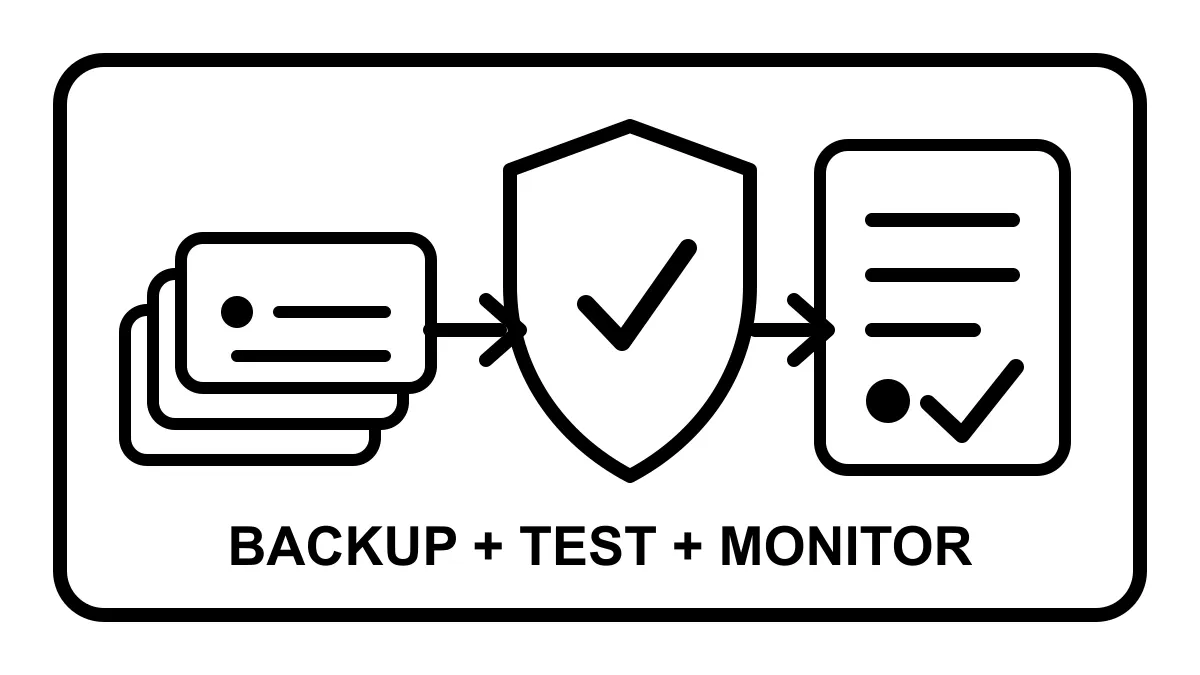
A backup is useful after something breaks. It is not the thing that keeps the break from happening.
That distinction matters for small business websites.
A lot of owners hear “we have backups” and assume the website is covered. Sometimes it is. Often, it means a file exists somewhere and nobody has checked whether it is complete, recent, off-server, restorable, or tied to a real recovery process.
That is not a security plan. It is a starting point.
What backups actually do
A good backup gives you a clean recovery path after a mistake, malware infection, failed update, deleted page, hosting failure, or bad plugin change.
For WordPress, that usually means two pieces:
- The database, where posts, pages, settings, orders, forms, and users live.
- The files, including uploads, themes, plugins, configuration files, and custom code.
WordPress’s own administration handbook says to back up the database regularly and before upgrades. It also points out a practical issue many owners miss: backing up files does not automatically back up the database.
So if the backup plan is vague, ask what is actually being copied.
What backups do not do
Backups do not patch vulnerable plugins.
They do not remove weak admin passwords. They do not stop form spam, monitor SSL certificates, catch a broken contact form, update PHP, review suspicious logins, fix DNS problems, or tell you whether a restore will take ten minutes or two days.
They also do not guarantee you have a clean copy. If malware sits unnoticed for weeks and your retention window is seven days, every available backup may include the problem.
This is where small businesses get surprised. The website looks fine until it is not. Then the conversation jumps straight from “we have backups” to “which backup is clean, who can restore it, and how long will the site be down?”
That is a bad time to learn how the system works.
Restore testing is the part people skip
CISA’s small business guidance is blunt on this point: perform and test backups. Regularly test partial and full restores, and understand restoration time so the business knows the real impact.
That sounds obvious. It is also the step most likely to be missing.
A backup that has never been restored is evidence of effort, not evidence of recoverability. The only way to know is to test it. Can the database import cleanly? Are uploads included? Does the site load on a staging URL? Do forms work after restore? Are license keys, cache settings, redirects, and payment settings intact?
For a brochure site, a restore failure is frustrating. For an ecommerce site, medical office, contractor lead engine, or law firm intake form, it can turn into lost revenue and lost trust quickly.
Off-server matters
If the only backup lives inside the same hosting account as the website, a hosting compromise, account suspension, disk failure, or accidental deletion can take out the site and the backup at the same time.
CISA’s ransomware guidance recommends offline, encrypted backups of critical data and regular testing. Its backup guidance also points to the familiar 3-2-1 rule: keep three copies, on two types of storage, with one copy off-site.
A local service business does not need enterprise theater. It does need separation.
At minimum, the backup should not depend entirely on the same server, same cPanel account, same WordPress dashboard, and same password that could be involved in the incident.
The real plan has five parts
Backups belong inside a larger website care process.
For most small business sites, that process should include:
- A current inventory of the site, hosting, DNS, plugins, themes, users, and key integrations.
- Regular updates for WordPress core, plugins, themes, PHP, and hosting software where applicable.
- Monitoring for uptime, SSL, forms, security alerts, and obvious public-page breakage.
- Off-server backups with enough retention to recover from mistakes that are not noticed immediately.
- Restore testing and a written recovery path: who does what, how fast, and what gets checked afterward.
The list is not exciting. Good. The goal is not excitement. The goal is to keep a business owner out of emergency mode.
Backups are recovery. Care is prevention.
A backup answers one question: can we go back?
Website care answers better questions:
- Why did this happen?
- Could we have caught it sooner?
- Is the site clean now?
- Did the fix break anything else?
- Do forms, search visibility, checkout, and tracking still work?
- What should change so this is less likely next time?
That is the difference between file storage and ownership.
Robben Media’s managed website care is built around that ownership. For WordPress sites, we handle updates, security monitoring, backups, uptime checks, SSL checks, form checks, cache review, and post-change verification. For static, Astro, and app-style sites, the stack is different, but the operating standard is the same: know what matters, watch it, document it, and recover cleanly when something breaks.
If your current plan is “the host says they keep backups,” start by asking sharper questions. Where are they stored? How often are they taken? How long are they kept? Has anyone restored one? Who owns the recovery if the website is down during business hours?
If the answers are unclear, the backup is not the problem. The missing owner is.
Robben Media can help with website hosting and maintenance, WordPress maintenance, and website security.
Sources
Jeremy Johnson
Owner
Jeremy co-owns Robben Media and directs strategy for every client engagement. With a Computer Engineering degree from Missouri S&T, he brings deep technical expertise in web development, SEO, and automation. Before acquiring Robben Media in 2023, Jeremy led marketing and branch management in the mortgage industry. He believes marketing should be measured by revenue generated, not impressions reported.