

Marketing Scripts Need an Owner, Too
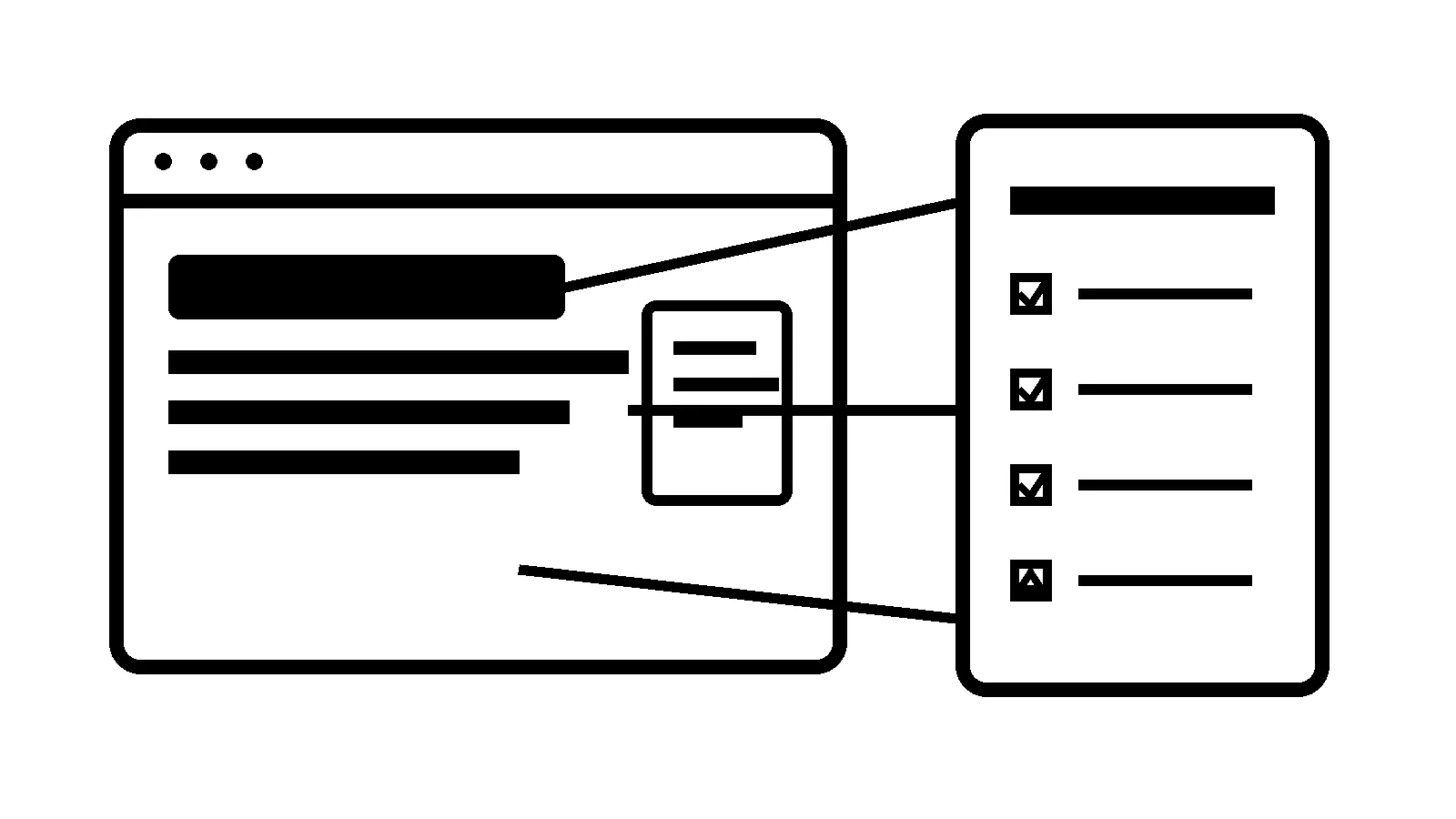
A website can be fully updated and still carry code nobody is watching.
Think about everything that gets added after launch: analytics, ad pixels, call tracking, chat, booking, review badges, pop-ups, heatmaps, forms, and CRM embeds. Each one can make sense when it goes in. A year later, the site may be loading a small pile of scripts that no one can explain.
That is not only a performance problem. It is an ownership problem.
OWASP’s third-party JavaScript management guidance makes the important point: third-party JavaScript needs to be managed. A tracking tag or widget is executable code from a vendor, not just a harmless setting in a dashboard.
The code you forgot about
A marketing script can be loaded through the theme, a plugin, a tag manager, a page builder, a header-and-footer tool, an old campaign landing page, or an embed pasted into one page years ago. It may load from a vendor’s server each time a visitor opens the page.
Most of those scripts are not bad. The trouble starts when nobody knows what they do, who owns the account, or whether the business still uses them.
An abandoned chat widget can create a confusing support path. An old pixel can muddy reporting. A heavy pop-up tool can slow down a page that should be generating calls. A vendor-side compromise or a changed third-party script creates a risk the site owner cannot see from the WordPress updates screen.
CISA’s software supply-chain guidance recommends that software customers identify, assess, and mitigate supply-chain risks. For a small business website, the practical version is straightforward: know what code is running, decide whether it earns its place, and keep its access under control.
This is different from checkout security
Payment pages deserve their own, stricter controls. Our PCI DSS ecommerce script-security guide covers the inventory and change-monitoring questions around checkout.
This audit is broader. It is about the marketing, analytics, chat, scheduling, review, and conversion code running across the rest of a business website. The buyer intent is different, too. A business may not sell online at all and still need to know why a dozen vendor scripts are loading on its homepage.
Start with an inventory, not a cleanup spree
Do not start deleting scripts because they look unfamiliar. Start by making a short inventory with five fields:
- What is the script or embed?
- What business job does it perform?
- Who owns the vendor account and has admin access?
- Where does it load on the site?
- When should it be reviewed or removed?
Check the tag manager, theme settings, plugin settings, page-builder templates, header and footer injection tools, forms, booking embeds, ad accounts, CRM tools, and old landing pages. You are looking for clarity, not a beautiful spreadsheet.
If a script supports an active campaign, the person running that campaign should know it exists. If it handles a booking or form, someone in operations should be able to explain the path. If nobody can say why it is there, that is a reason to investigate it.
Decide where a script belongs
Scripts do not need the same access everywhere.
A scheduling embed may make sense on a contact page but not on every blog post. A conversion tag might only need to run after a form submission. A chat widget may help visitors on service pages while getting in the way of a quote form. Sensitive areas, including account and payment pages, should stay as lean as the business can reasonably make them.
That is where a script audit helps with speed as well as security. Fewer unnecessary scripts mean fewer outside dependencies, less browser work, and fewer mysterious things that can fail during a campaign.
Treat vendor access like a real business system
The code on the site is only half the picture. The vendor account matters too.
A business should know who can log into its tag manager, analytics, advertising, chat, call tracking, booking, and form tools. Remove former employees and old contractors. Turn on multi-factor authentication when the provider offers it. Use an account owned by the business rather than one person’s personal login whenever possible.
A tag manager can make this cleaner, but it can also become a tidier junk drawer. It needs names, permissions, change notes, and an occasional cleanup. Otherwise every new campaign adds another mystery to the page.
Put a review date on every new script
A workable policy does not need to be elaborate. Before adding a new script, record the reason, owner, pages where it will run, and review date. When a campaign ends, ask whether the code can go with it.
That one habit prevents a lot of slow, confusing buildup. It also gives the business a starting point if a vendor reports an incident or a website starts behaving strangely.
What managed website care should cover
A care plan is not only updates and backups. It is ongoing ownership of the pieces that can affect leads, trust, and site reliability.
Robben Media’s website maintenance and managed hosting work can include reviewing active integrations, watching the lead path after changes, keeping access organized, and removing the clutter that no longer earns its keep.
You do not need to fear every marketing tool. You need a clear answer when someone asks what is running on your site and why. If that answer is vague, a script audit is a sensible place to start.
Sources
Jeremy Johnson
Owner
Jeremy co-owns Robben Media and directs strategy for every client engagement. With a Computer Engineering degree from Missouri S&T, he brings deep technical expertise in web development, SEO, and automation. Before acquiring Robben Media in 2023, Jeremy led marketing and branch management in the mortgage industry. He believes marketing should be measured by revenue generated, not impressions reported.