

AI Website Changes: Human QA Checklist
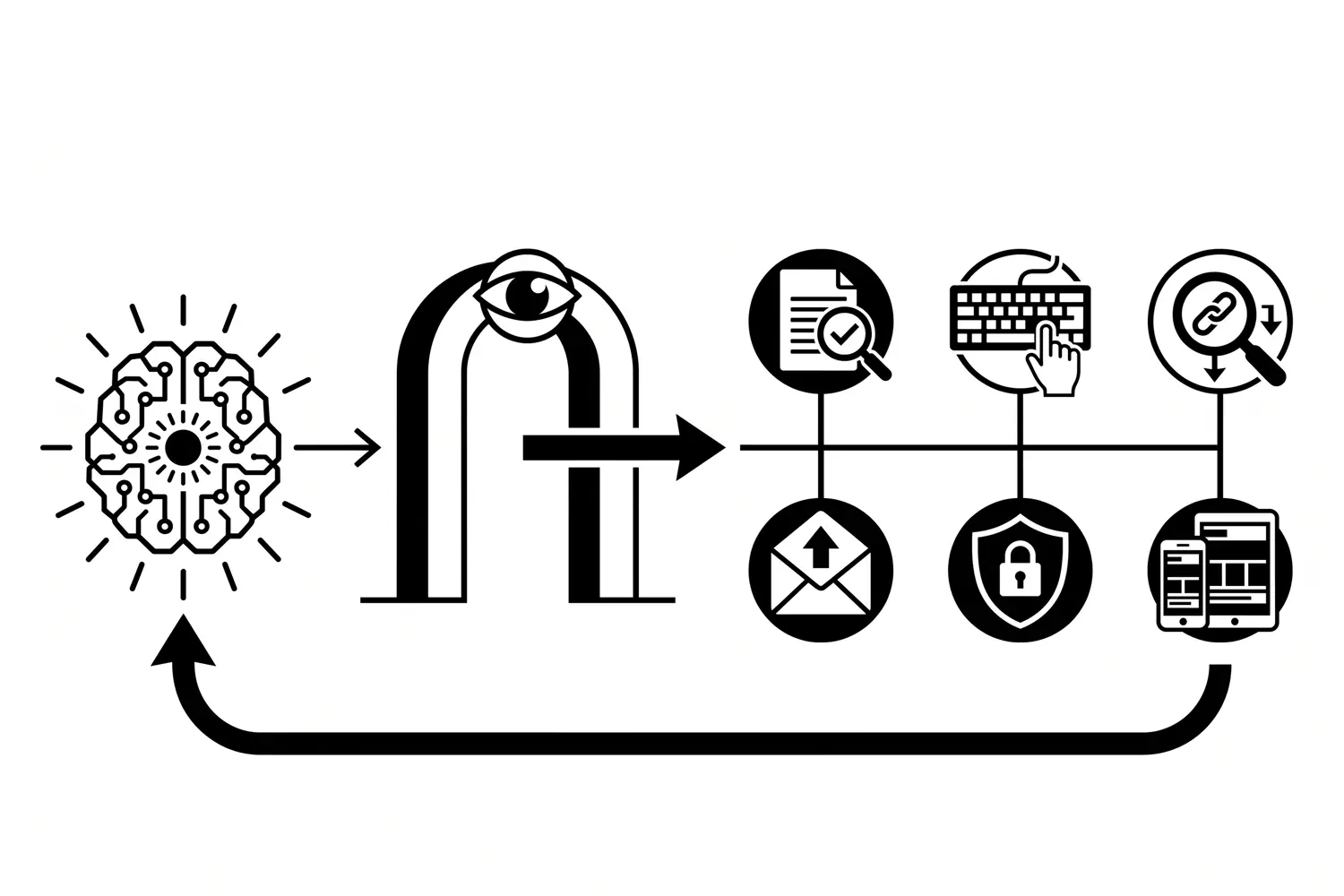
AI can help write website copy, generate a component, adjust a layout, or suggest a code change in minutes. That speed is useful. It also shortens the distance between an idea and a live mistake.
The right question is not whether AI touched the work. It is whether a responsible person verified the final change in the real website before customers had to discover the problems.
This is a release-QA problem, not another argument about AI marketing strategy. Treat AI-assisted website work like any other production change: define the expected result, review the output, test the customer path, preserve a rollback, and verify the live release.
Start with an accountable owner and a defined change
Before testing, record what is supposed to change and what must remain stable. A useful release note can be short:
- Exact page or component being changed.
- Business reason for the change.
- Expected visitor action.
- Systems the change might affect.
- Person responsible for approval and rollback.
Without that baseline, a reviewer can confirm that a page looks polished while missing that the wrong service, city, price, form destination, or tracking event slipped into the copy.
Google’s guidance for helpful, reliable, people-first content recommends evaluating who created content, how it was created, and why it exists. Those are useful release questions for AI-assisted page changes too. The process matters because a fluent result can still be inaccurate, repetitive, or unhelpful.
Review business facts before style
Start with claims a customer could act on. Confirm service availability, locations, qualifications, pricing language, timelines, guarantees, contact details, and calls to action against an authoritative source.
Then check whether the page sounds like the business. AI output often rounds specific language into generic marketing copy. Remove unsupported superlatives, invented proof, vague promises, and conclusions that could belong to any company.
The reviewer should be able to answer three questions:
- Is every business claim supported?
- Does this page help the intended visitor complete a real task?
- Is the business willing to stand behind the wording publicly?
Passing a grammar check is not the same as passing those checks.
Check the page structure and search signals
AI can produce headings and metadata that look plausible while creating duplication or confusing the page’s purpose. Compare the change with the existing site before publishing.
Verify:
- One clear page title and one visible H1.
- Headings that describe the sections beneath them.
- A distinct search intent that does not compete with an existing page.
- A descriptive title tag and meta description.
- The expected canonical URL.
- Contextual internal links to the correct service and conversion paths.
- No accidental
noindex, staging URL, broken link, or placeholder text.
If the proposed page substantially overlaps an existing article or service page, retarget it or improve the canonical page. Publishing a second URL simply because a draft already exists creates maintenance work and search ambiguity.
Run a basic accessibility review
Visual approval on one laptop is not accessibility testing. The W3C Web Accessibility Initiative’s Easy Checks covers useful first-pass checks such as page titles, heading structure, image alternatives, contrast, visible keyboard focus, zoom behavior, and form labels. W3C is explicit that these checks are a starting point, not a complete accessibility evaluation.
For a routine content or component release, at least:
- Navigate interactive controls with a keyboard.
- Confirm focus remains visible.
- Check that form fields have useful labels.
- Review image alternative text for purpose, not keyword stuffing.
- Zoom the page and confirm content remains usable.
- Inspect heading order and link text.
- Test any accordion, dialog, menu, carousel, or other interaction the change touched.
An AI-generated component can look correct in a screenshot while failing as soon as a visitor uses a keyboard, screen reader, or zoomed layout.
Test the customer path, not just the changed block
A website change can affect more than the pixels that moved. Test the complete path a prospective customer uses.
For a lead-generation page, that usually means:
- Open the page from navigation and a direct URL.
- Click the primary call to action.
- Complete the form with realistic data.
- Confirm validation and error messages are useful.
- Verify the success message or thank-you page.
- Confirm the entry is stored and the correct notification arrives.
- Check the CRM, task, or automation handoff when one exists.
- Verify phone, email, booking, and map links on a mobile device.
The visible form is only one step. A change to a field name, class, redirect, script, or page slug can break delivery or measurement without making the page look broken.
Inspect security and dependency changes
AI suggestions do not establish that a script, package, plugin, embed, or code snippet is safe to release. Identify where new code came from, what it can access, who maintains it, and how it will be updated or removed.
The NIST Secure Software Development Framework describes secure development practices that can be integrated into a software lifecycle to reduce vulnerabilities in released software and address their causes. A small-business website does not need enterprise ceremony for every copy edit, but code and dependency changes still deserve proportionate review.
Check for exposed secrets, unsafe input handling, unexpected data collection, new third-party requests, excessive permissions, and changes to authentication or administrative access. If the reviewer cannot explain what a generated snippet does, it is not ready for production.
Compare desktop and mobile behavior
Do not shrink a desktop browser and call the mobile pass complete. Use the page at representative phone and tablet sizes. Check text wrapping, image crops, navigation, sticky elements, tables, forms, and tap targets.
Look for content hidden behind overlays, calls to action pushed out of reach, horizontal scrolling, and layouts that make sense only when every column fits. Test the page in the same conditions customers use, including a slower connection when the change adds media or scripts.
Preserve tracking and measurement
Before release, record the conversion and analytics behavior that should remain intact. After release, verify it again.
Common failures include a renamed button that no longer triggers an event, a replaced form that bypasses the normal lead path, a new thank-you URL that is not measured, or a consent change that prevents tags from loading as expected.
Do not declare success from a page view alone. Confirm the important event in the authoritative analytics, CRM, or form system when the change affects a measured action.
Keep a rollback that can actually be used
Save the exact prior state before a consequential change. Depending on the site, that may be a version-control commit, CMS revision, tested backup, configuration export, or documented setting.
The rollback needs an owner and a verification step. “We have backups” is not enough if nobody knows which backup contains the last good version or how long restoration takes.
For code releases, a practical sequence is:
- Create a focused branch.
- Review the exact diff.
- Run the repository’s defined checks.
- Merge through the protected workflow.
- Verify the deployed commit.
- Restore the prior commit if production verification fails.
For CMS changes, capture the current content, status, metadata, links, and media references before editing, then re-read the stored and rendered result after saving.
Verify production after deployment
Staging proof is useful, but it does not prove the public site received the correct build. Check the live URL after deployment and confirm:
- HTTP status and final URL.
- Canonical URL, title, and meta description.
- Exactly one visible H1.
- Featured image and important links.
- Form or conversion path.
- Archive, sitemap, and feed inclusion when applicable.
- The exact deployed revision or CMS record.
If the result is uncertain, stop and investigate. Blindly repeating a publish command can create duplicates or make rollback harder.
Use AI inside the release process, not in place of it
AI can help draft test cases, compare text, identify missing states, summarize a diff, or propose a checklist. It can make a careful release process faster.
It cannot accept accountability for an inaccurate claim, missed lead, inaccessible control, exposed credential, broken conversion event, or failed rollback. A person who understands the website and the business still has to approve the final result.
Robben Media can help establish that ownership through managed website maintenance, including review, testing, monitoring, backups, and practical release verification. If website changes are reaching production faster than your team can confidently check them, start with a website support conversation before speed turns into avoidable cleanup.
Jeremy Johnson
Owner
Jeremy co-owns Robben Media and directs strategy for every client engagement. With a Computer Engineering degree from Missouri S&T, he brings deep technical expertise in web development, SEO, and automation. Before acquiring Robben Media in 2023, Jeremy led marketing and branch management in the mortgage industry. He believes marketing should be measured by revenue generated, not impressions reported.