

Staging Sites: What They Protect and What They Do Not
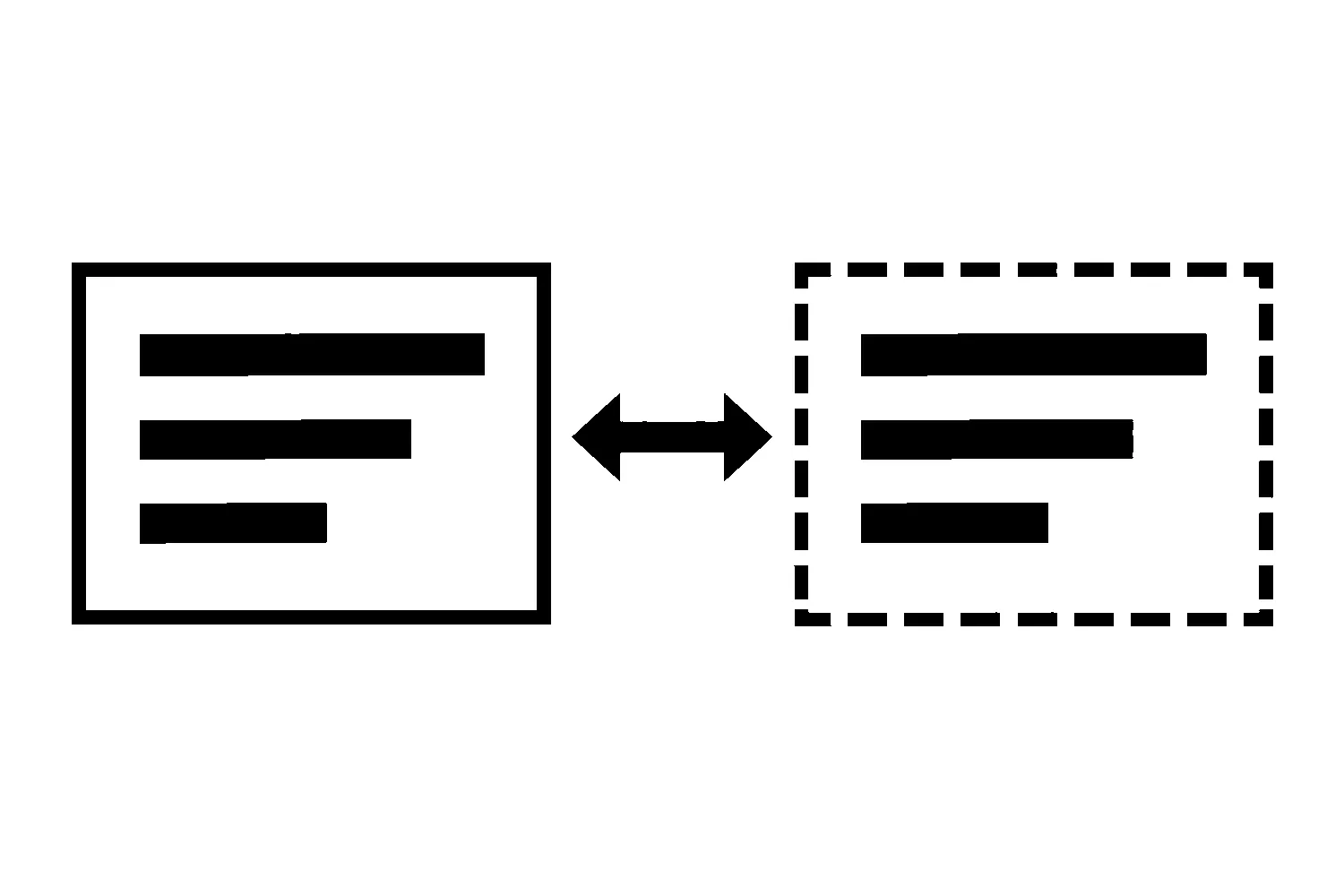
“Test it on staging first” is common advice for WordPress sites, and it is good advice. But “we tested it on staging” can leave a business owner with more confidence than the test earned. A staging site is a separate copy of the website used to try changes before they reach the live one. How closely that copy matches the live site depends on how it was built and how recently it was refreshed.
This article is about the gap between those two things: what a staging copy can reasonably show you, and which questions to ask before you treat a passing test as proof.
What a staging site is
WordPress itself recognises staging as a standard kind of environment. Its developer documentation for wp_get_environment_type() lists four possible values: local, development, staging, and production. The same page says hosts that support staging environments are requested to set the staging value on those environments, so that plugins and themes can behave differently there than on the live site.
That is the useful, documented part: a staging copy can be labelled as not-production, and well-behaved software can notice the label. It does not tell you how a particular host builds its copies, what they include, or how they stay in sync. Those details vary, and the documentation we reviewed does not describe them.
What a staging copy is good for
Without making claims about any specific host, the general purpose is straightforward. A copy lets someone try a change where a mistake does not affect visitors. For a small business site, that typically means:
- Trying an update before it reaches the live site. A plugin, theme, or WordPress core update can be applied to the copy first, and someone can look for visible breakage.
- Reviewing a design or content change. A new page layout or a restructured menu can be reviewed before it is public.
- Rehearsing the steps. Running a change once on a copy shows what steps are involved before you repeat them on the live site.
These are reasons to use staging. They are not guarantees about what staging will catch.
Questions to ask before trusting a staging result
A passing test only means something if the copy resembles the live site in the ways that matter. These are questions, not findings. We have not verified the answers for any particular host, and they differ from one setup to the next.
- How current is the copy? When was it last refreshed from the live site? A copy that is weeks old may not include recent content, settings, or plugin versions.
- What does the copy include? Does it contain the same plugins, theme, and settings as the live site? Does it include the database and uploaded files, or only some of them?
- What happens to email? Contact forms and order notifications may send messages. Ask whether the copy sends real email, sends none, or sends somewhere else, and test accordingly. You do not want a test to email real customers, and you do not want to assume mail works because the copy did not try to send any.
- What happens to payments and other connected services? If the site connects to a payment provider, a booking tool, or a CRM, ask whether the copy uses live connections, test connections, or none. A change that touches those connections may not be properly exercised on a copy that does not use them.
- Is search visibility protected? WordPress’s documentation shows an example of blocking crawling on non-production environments. Ask whether the copy is kept out of search results, so it does not compete with or duplicate the live site.
- Does it behave like the live site under real conditions? Caching, hosting configuration, and server settings can differ between a copy and the live site. If they do, speed and behaviour on staging may not predict the live result.
A reasonable way to use staging
- Write down what you are changing and what you expect to happen. A test with no stated expectation cannot fail.
- Refresh the copy first if it is not current. Record the date.
- Make the change and check the specific things you expect to be affected, including a form submission, a key page, and anything the change could plausibly touch.
- Note what the copy could not test. If it does not send mail or process payments, say so, and plan a check on the live site once the change is made.
- Keep a record and a way back. Know how you would restore the previous state before you change the live site. Our guide to WordPress auto-updates and how to decide about them covers the decision about when updates should happen.
What staging does not replace
Staging is one safeguard among several. It does not replace a backup, a way to roll back, or someone checking the live site after a change. Treat a successful staging test as evidence that you did not find a problem on that copy, not as proof that the change is safe.
If you would like help setting up a change process for your site, you can ask for a change-process review through our website support and maintenance page, or contact us directly.
Jeremy Johnson
Owner
Jeremy co-owns Robben Media and directs strategy for every client engagement. With a Computer Engineering degree from Missouri S&T, he brings deep technical expertise in web development, SEO, and automation. Before acquiring Robben Media in 2023, Jeremy led marketing and branch management in the mortgage industry. He believes marketing should be measured by revenue generated, not impressions reported.