

How to Vet a WordPress Plugin Before You Install It
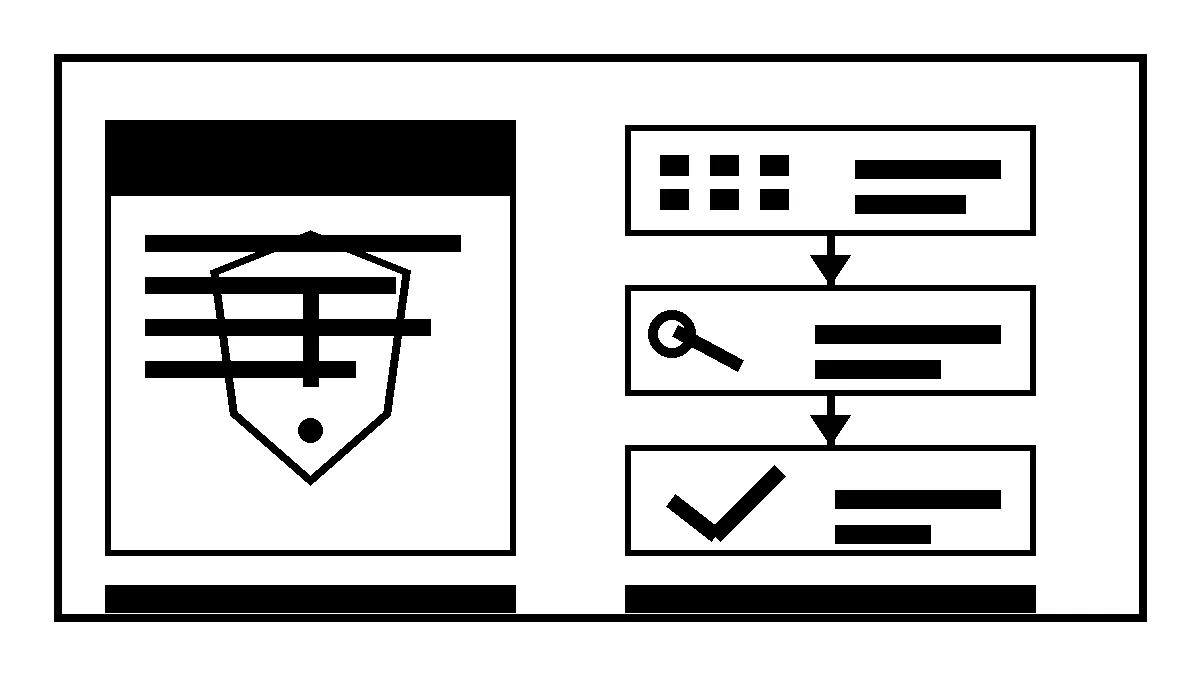
The easiest time to manage plugin risk is before the plugin becomes part of the website.
WordPress plugins can add real value: forms, ecommerce, SEO controls, backups, memberships, integrations, and editing tools. They also add code, update decisions, permissions, data handling, and another vendor relationship.
The goal is not “never install plugins.” It is “know why this one belongs.”
Define the job before choosing the tool
Write down the exact problem first. “We need a calendar” is vague. “Customers need to choose an available appointment, receive confirmation, and let staff reschedule it” is testable.
That definition helps you avoid installing three overlapping tools. It also makes alternatives visible. The feature may already exist in the theme, host, ecommerce platform, form system, or a small amount of custom code.
Every new plugin should replace a clear gap, not a moment of curiosity.
Check the publisher and maintenance history
For plugins distributed through WordPress.org, review the plugin page, update history, support activity, compatibility information, and publisher. WordPress also publishes detailed plugin guidelines for directory developers. Inclusion in the directory is useful context, but it is not a permanent guarantee of quality or fit.
Look for signs of active ownership:
- Recent releases with understandable change notes.
- Support questions receiving substantive answers.
- Compatibility with the site’s current WordPress and PHP versions.
- A clear publisher identity and documentation.
- A sensible business or maintenance model.
A plugin that was excellent three years ago may no longer be maintained.
Review what the plugin can touch
A plugin that formats a small block has a different risk profile than one that handles administrator access, payment, customer data, email delivery, backups, or arbitrary code execution.
Ask what it stores, where it sends data, which roles can configure it, whether it adds public endpoints, and what third parties it contacts. Read the privacy and integration documentation when the feature touches customer information.
The more authority the plugin has, the stronger the reason and review should be.
Check for functional overlap
Overlapping plugins create confusing ownership. Two caching systems can fight each other. Several SEO plugins can write conflicting metadata. Multiple security tools may duplicate scans while nobody owns the alerts. Two form systems create separate entry stores and notification settings.
Inventory the current stack before installing. Our article on WordPress plugin risk explains why an active-plugin list is a business-control document, not trivia.
Plan the install, test, and rollback
Before installation:
- Capture a current backup and know how to restore it.
- Record the site state and current versions.
- Use staging when the feature affects templates, payments, users, or critical integrations.
- Define the pages and customer paths to test.
- Decide what would trigger rollback.
After installation, test more than the new feature. Check mobile navigation, forms, performance, caching, checkout, email, analytics, and administrator behavior as applicable. A plugin can appear to work while disrupting an unrelated script or route.
Decide who owns updates and alerts
Installation creates an ongoing obligation. Someone needs to receive notices, review important changes, apply updates, verify the site, and remove the plugin when it is no longer needed.
If the answer is “the person who installed it,” name that person and document the handoff. If a vendor manages it, make the responsibility part of the support agreement.
When a vulnerability is disclosed, do not react to the score alone. Check whether the plugin is installed, active, affected at the installed version, exposed in the required way, and patched. The same evidence-first approach appears in What a High-Severity Plugin Disclosure Actually Means.
Use a short pre-install checklist
Before approving a plugin, confirm:
- The feature and owner are defined.
- Existing tools do not already provide it.
- The publisher and maintenance history are credible.
- Permissions and data flows are understood.
- Compatibility and licensing fit the site.
- Backup, staging, testing, and rollback are ready.
- Update and removal ownership is assigned.
That takes longer than clicking Install Now. It takes much less time than untangling an abandoned or conflicting plugin from a live site.
Robben Media can help audit a WordPress stack and build the review into an ongoing website maintenance process, so each extension has a purpose, an owner, and an exit path.
Jeremy Johnson
Owner
Jeremy co-owns Robben Media and directs strategy for every client engagement. With a Computer Engineering degree from Missouri S&T, he brings deep technical expertise in web development, SEO, and automation. Before acquiring Robben Media in 2023, Jeremy led marketing and branch management in the mortgage industry. He believes marketing should be measured by revenue generated, not impressions reported.