

How to Report a Website Problem So It Gets Fixed Faster
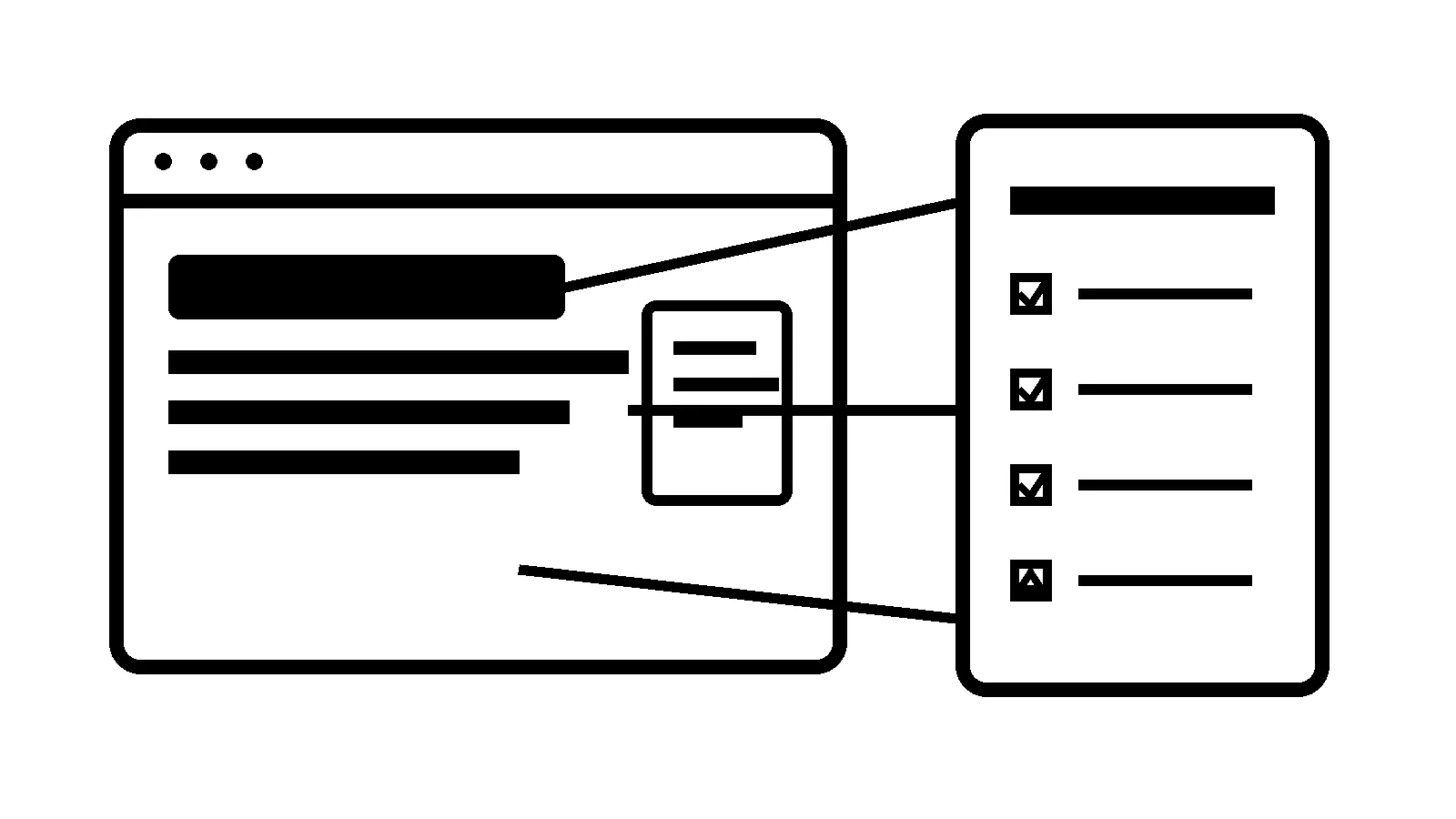
“The website is broken” creates urgency, but it does not give the person fixing it enough information to reproduce the problem.
A useful report does not need to be technical. It needs to answer a few concrete questions: where were you, what did you do, what did you expect, what happened instead, and when did it happen?
Start with the exact page
Copy the full URL from the browser, including anything after a question mark when relevant. “The contact page” can refer to a navigation link, a landing page, an embedded form, or a page saved in someone’s bookmarks.
If the problem occurs after several steps, list them in order. For example:
- Open the service page.
- Select “Request an Estimate.”
- Complete the required fields.
- Attach a photo.
- Press Submit.
- The button spins, but no confirmation appears.
That sequence gives the support team a reproducible path instead of a vague symptom.
Describe expected and actual behavior
State what you expected to happen and what happened instead. “It doesn’t work” could mean the page is blank, the button is disabled, the form rejects a valid field, the confirmation is missing, or the submission never reaches the inbox.
Include the exact error message. Do not paraphrase it if you can copy or screenshot it. A single status code, field name, or console message may separate a form-validation issue from an email-delivery or server problem.
Include the environment
Problems can depend on the browser, device, screen size, network, account, or location. Include:
- Device type and operating system.
- Browser name and version if available.
- Desktop or mobile.
- Whether you were signed in.
- Approximate time and time zone.
- Whether the issue happens every time or intermittently.
- Whether another browser or device shows the same result.
Do not send passwords, payment information, health information, or other sensitive customer data in a bug report. Redact screenshots where needed.
Capture evidence before refreshing everything
A screenshot is useful when it includes the visible problem and enough browser context to identify the page. A short screen recording is better for multi-step behavior. If the issue is intermittent, record the time closely so server and application logs can be compared.
Browser developer tools can provide deeper evidence when the reporter is comfortable using them. Chrome’s Network panel reference explains how requests and responses can be inspected. That is optional; a clear nontechnical report is more useful than an uncertain technical diagnosis.
The Chromium project’s bug-reporting guidance emphasizes reproducible steps and supporting details for the same reason: the person investigating needs to recreate the failure.
State the business impact
Impact helps set priority. Say whether the issue affects:
- Every visitor or one user.
- A primary lead form or a low-traffic page.
- Checkout, booking, login, or payment.
- Mobile only or all devices.
- A public page or an internal editing task.
- A current campaign or time-sensitive event.
“No customers can submit the quote form” deserves a different response than “one icon is slightly misaligned on an old article.” Both can be fixed, but they should not enter the queue with the same priority.
Avoid changing five things before reporting
Clearing a cache or trying another browser is reasonable. Updating plugins, changing DNS, deleting files, rebuilding a page, or rotating credentials can erase evidence or introduce a second problem.
Record the original symptom first. If you try a safe diagnostic step, note exactly what changed and whether it affected the result.
Use a compact report template
Copy this structure when contacting support:
- Page: full URL
- Time: date, time, and time zone
- Steps: exact actions in order
- Expected: what should have happened
- Actual: what happened instead, including exact errors
- Environment: device, operating system, browser, and signed-in state
- Frequency: always, sometimes, or once
- Impact: who or what is blocked
- Evidence: screenshot or recording, with sensitive data removed
- Recent changes: anything known to have changed before the issue
Good evidence shortens the first phase of diagnosis and makes verification more reliable after the fix. Robben Media’s website support service uses that same loop: reproduce, isolate, repair, and verify the customer path—not merely make the error disappear on one screen.
Jeremy Johnson
Owner
Jeremy co-owns Robben Media and directs strategy for every client engagement. With a Computer Engineering degree from Missouri S&T, he brings deep technical expertise in web development, SEO, and automation. Before acquiring Robben Media in 2023, Jeremy led marketing and branch management in the mortgage industry. He believes marketing should be measured by revenue generated, not impressions reported.