

Static, Astro, WordPress, or App Site: Choose the Hosting Model by Risk
The right hosting model depends on what can break, who needs to change it, and how much risk the website carries.
That sounds obvious until a business tries to buy “hosting” like it is one product.
A five-page brochure site does not need the same operating setup as a WooCommerce store. A fast Astro marketing site is not managed like a WordPress site with plugins, forms, editors, and scheduled content. A custom app with logins, payments, or business workflows should not be treated like a static homepage.
The platform matters. The risk matters more.
Start with what the website has to do
Before picking a host, start with the job of the site.
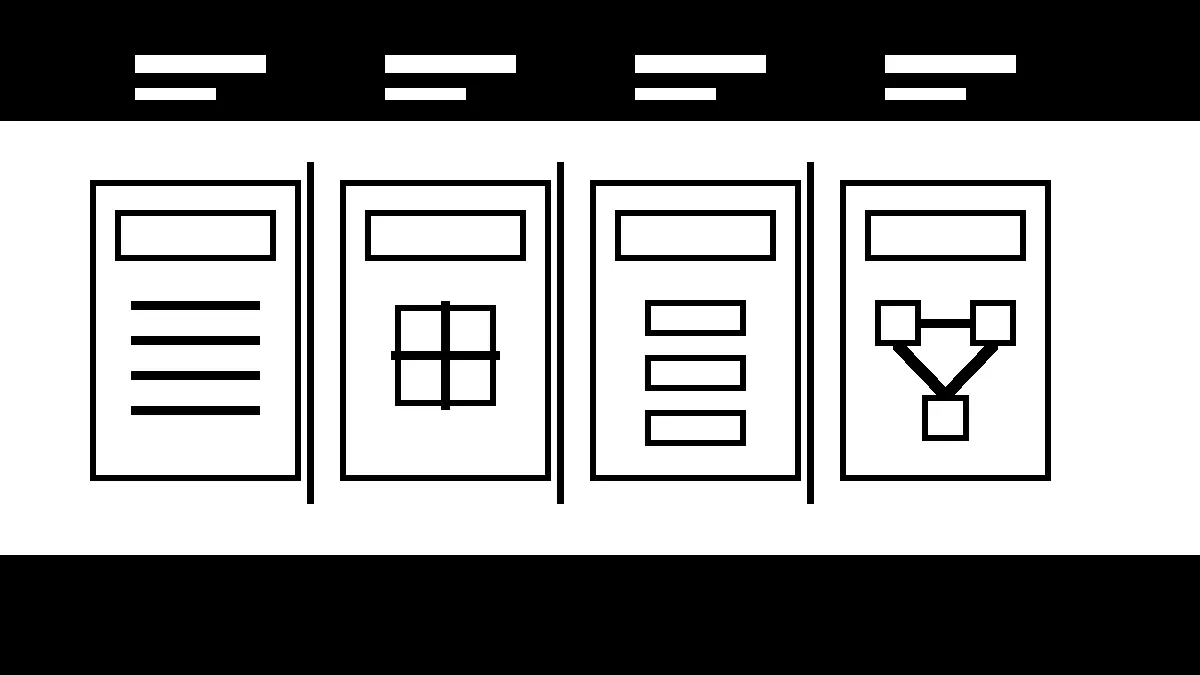
Most small business websites fall into one of four buckets:
- A static marketing site that rarely changes.
- A modern static or Astro site with a build pipeline and structured content.
- A WordPress site with editors, plugins, forms, SEO tools, and ongoing content.
- An app-style site with accounts, dashboards, payments, integrations, or live data.
Those buckets can overlap. A WordPress site can have static landing pages. An Astro site can pull content from a CMS. A marketing site can include a serious form workflow behind the scenes.
Still, the bucket helps you ask the right question: what has to be operated after launch?
Static sites reduce the attack surface
A traditional static site is simple by design. The server sends HTML, CSS, JavaScript, images, and other assets. There is no WordPress dashboard, plugin stack, or database sitting behind every page request.
That can be a major advantage for a local service business with a stable offer and a small content footprint.
Static sites are usually strong when the business needs:
- speed,
- security through simplicity,
- low maintenance overhead,
- a clean public marketing presence,
- fewer moving parts on the server.
The tradeoff is editing. If every change requires a developer or a build process, the site can become stale unless someone owns updates. A static site is not automatically a better business tool if nobody can keep services, team details, pricing notes, forms, and conversion paths current.
Static is a good fit when the content model is simple and the operating owner is clear.
Astro is a strong fit for fast marketing sites
Astro works well for content-heavy marketing sites because it can ship fast static pages while still giving developers a modern component system.
Astro’s own deployment guidance points to a common pattern: connect the project repository to a host, let the host build the site on each push, and publish the new static output. That is a good model when the website benefits from version control, review, repeatable builds, and clean rollbacks.
For a business owner, the upside is practical:
- pages can be very fast,
- code changes can be reviewed before they go live,
- the site can avoid a public admin dashboard,
- the build process creates a record of what changed,
- design and content systems can stay consistent across many pages.
The tradeoff is operational. Astro is not magic just because the public files are static. Someone still has to own builds, deploys, forms, analytics, redirects, broken links, content updates, image handling, and monitoring.
A static build does not remove responsibility. It moves the responsibility into a different workflow.
WordPress is still useful when people need to edit
WordPress makes sense when the business needs regular publishing, non-technical editing, plugins, forms, SEO tools, memberships, ecommerce, events, or other content management features.
That flexibility is why WordPress remains useful. It is also why WordPress needs a real care plan.
WordPress.org recommends modern PHP, MySQL or MariaDB, HTTPS, and account-level isolation as part of a safe hosting baseline. That is the floor, not the whole plan.
A healthy WordPress setup also needs:
- plugin and theme update ownership,
- backups stored off the server,
- security monitoring,
- uptime and SSL checks,
- form delivery checks,
- cache management,
- editor permissions,
- a rollback path,
- someone who knows which plugins are actually required.
Cheap WordPress hosting can keep files online. It usually will not own that operating layer for you.
That is where many business owners get surprised. They did not buy a WordPress problem. They bought flexibility, then inherited the maintenance that comes with it.
App-style sites need production operations
An app-style site is different.
If the website has user accounts, live data, payments, dashboards, internal workflows, API integrations, or automations, it needs more than a web host. It needs production operations.
That may include:
- environment management,
- database backups and restore testing,
- uptime monitoring,
- error logging,
- access control,
- deployment checks,
- dependency updates,
- API health checks,
- incident response,
- staging and rollback plans.
The public design can look simple while the system behind it carries real business risk. A form that routes leads into ClickUp, a customer portal, a quote calculator, or a booking workflow may matter more than a dozen public pages.
If that system breaks, the issue is not “the website is down.” The issue is that revenue, operations, or customer trust is interrupted.
The wrong model creates quiet risk
Most hosting mistakes are not dramatic at first.
They look like a business using the wrong operating model:
- A WordPress site is treated like a static brochure, so plugins age quietly.
- A static site is treated like a set-it-and-forget-it file folder, so forms and tracking drift.
- An Astro site has clean code but no owner for content updates or deploy verification.
- An app site is hosted like a basic website, with weak logging and no recovery path.
- A cheap hosting plan saves a few dollars while nobody knows who owns backups, DNS, SSL, or uptime.
The site may look fine on the homepage. That does not mean the system is healthy.
Good website care is boring on purpose. It checks the parts that tend to fail quietly.
How to choose the right hosting model
Use risk as the filter.
Ask these questions before choosing or changing platforms:
- How often does the business need to update content?
- Who will make those updates?
- Does the site need logins, payments, forms, search, dynamic data, or integrations?
- What happens if the site is down for one hour?
- What happens if a form stops delivering leads for one week?
- What data would be painful or impossible to recreate?
- Who owns plugin, dependency, or framework updates?
- Who owns DNS, SSL, backups, monitoring, and restore testing?
- Can changes be reviewed before they go live?
- Can the site be rolled back if a change breaks something?
Those answers usually make the hosting choice clearer.
A simple site may be better as a static build. A content-heavy business may need WordPress. A high-control marketing site may fit Astro. A workflow-heavy system may need app hosting and stronger operations.
The point is not to pick the trendiest stack. The point is to match the website’s job to the risk of running it.
What Robben Media looks for
When Robben Media reviews a website, we do not start by assuming WordPress, Astro, or a custom app is the answer.
We look at the business need first:
- Is the site meant to generate leads?
- Does it need frequent content updates?
- Does the client need editing access?
- Are forms, phone calls, tracking, or bookings tied to revenue?
- Is there ecommerce or payment risk?
- How painful would downtime be?
- Who is responsible when something breaks?
Then we match the platform and care model to that reality.
Sometimes that means a fast static site. Sometimes it means WordPress with managed care. Sometimes it means an Astro build with Git-based deployment. Sometimes it means treating the site more like software than marketing collateral.
A business owner should not have to know every technical difference between those stacks.
They should know who owns the outcome.
The business takeaway
Do not buy hosting as if every website has the same risk.
A static site, Astro site, WordPress site, and app-style website can all be good choices. They can also all be the wrong choice if the business needs a different operating model.
Pick the model based on update needs, revenue risk, security exposure, recovery requirements, and who will own the site after launch.
That is the difference between a website that merely exists and a website that keeps doing its job.
Robben Media can help with managed website care, WordPress maintenance, and website design.
Sources
Jeremy Johnson
Owner
Jeremy co-owns Robben Media and directs strategy for every client engagement. With a Computer Engineering degree from Missouri S&T, he brings deep technical expertise in web development, SEO, and automation. Before acquiring Robben Media in 2023, Jeremy led marketing and branch management in the mortgage industry. He believes marketing should be measured by revenue generated, not impressions reported.