

Scanners Aren't a WAF
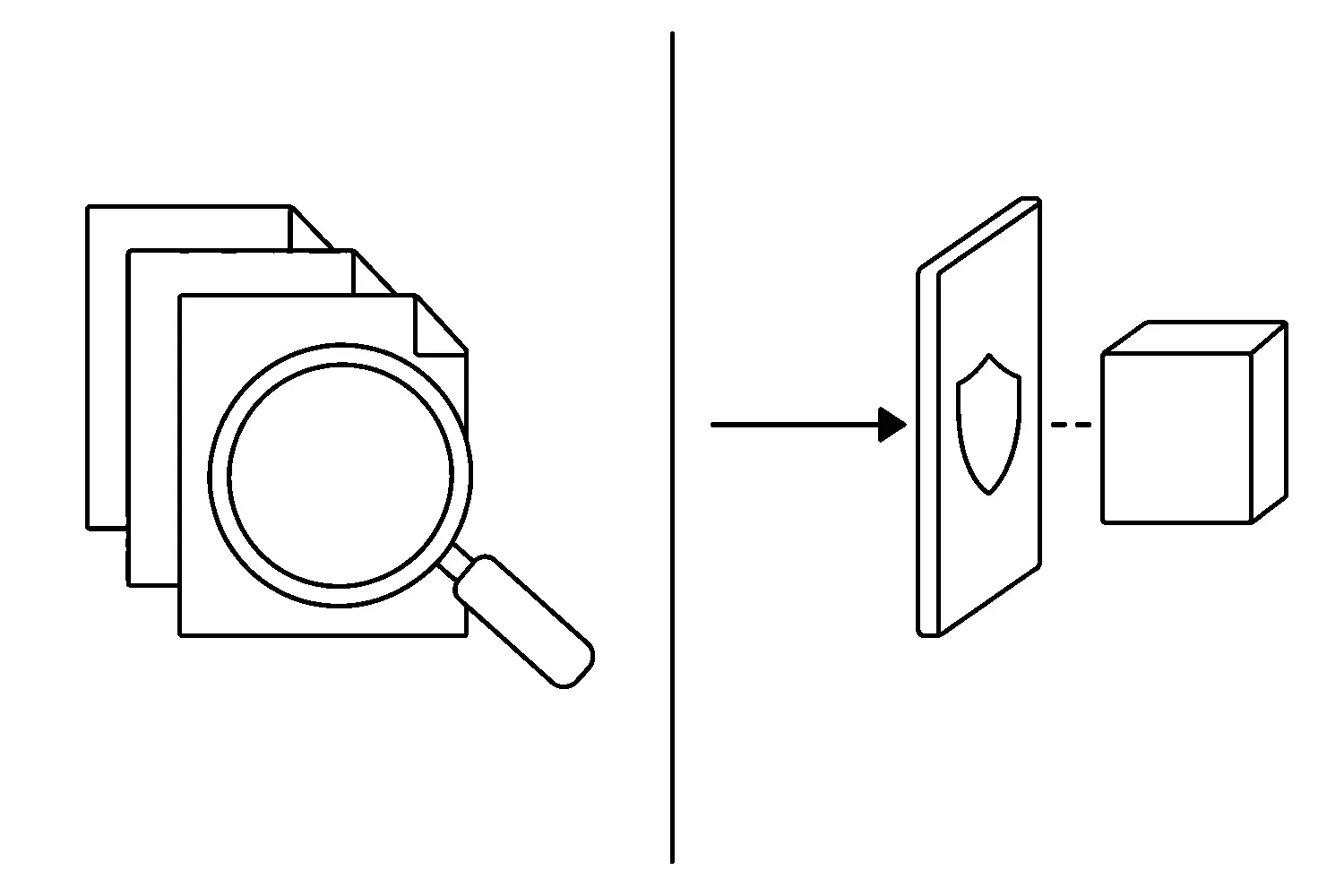
A scanner report that says “clean” feels like a lock on the door.
It is not.
A malware scanner looks at files, database rows, and known signatures after something is already on the site — or while it is checking whether something is. A web application firewall (WAF) sits in front of the application and decides which HTTP requests are allowed to reach WordPress at all. WordPress’s own hardening guidance treats host-level and request-filtering controls as part of locking the site down. Detection and blocking are neighboring jobs. They are not the same job.
This brief is about that difference. Cleanup that lasts is a separate article. Uptime paging is a separate article. This one is the control question: what is watching, and what is actually stopping a request.
Detection is not blocking
A scanner answers, “Is there something here I recognize?”
That can be useful. A weekly file-integrity check, a known-malware signature pass, and a look at unexpected admin users will catch a lot of leftover infections and noisy backdoors. It will not stop the request that plants the next one.
A WAF answers, “Should this request be allowed to run?”
It inspects the request — method, path, headers, body — and can reject patterns associated with injection, cross-site scripting, brute-force login, or a known exploit payload before PHP handles them. OWASP’s virtual-patching cheat sheet describes that class of control as a way to filter malicious traffic while a durable fix is still being applied. Virtual patching is a WAF job. It is not a scan report.
If you only have the scanner, you find out after the fact. If you only have the WAF, you still need a way to notice files that arrived through a channel the WAF never saw — a compromised admin, a bad plugin update, a host-level write. The failure mode of “we scan, therefore we are protected” is that the first useful signal is already an incident.
What a scanner is for
Use a scanner for inventory and verification, not as the front door.
It is good at:
- Confirming a cleanup actually removed the files it was supposed to remove.
- Flagging a modified
wp-config.php, a newmu-plugin, or a PHP file inuploads/that should not be there. - Giving you a dated artifact: what was checked, when, and by whom.
It is not good at:
- Stopping a live exploit against a plugin you have not patched yet.
- Deciding whether a login attempt from a botnet should reach
wp-login.php. - Proving the site is safe because today’s signature pack did not match.
Signature packs lag. File checkers miss what they are not pointed at. A scanner that runs once a month is a snapshot, not a control. Treat the report as evidence in a change log, the same way you would treat a backup test: useful because you can point at it, useless as a substitute for the thing that actually prevents the next write.
What a WAF is for
A WAF is a request filter. On WordPress, that usually means a host-level or edge firewall, or a plugin that hooks early enough to refuse traffic before the application does real work.
It is good at:
- Cutting off obvious exploit payloads and credential-stuffing against login.
- Buying time when a plugin disclosure lands and you have not patched yet.
- Putting a named rule in front of a known bad path instead of hoping PHP dies first.
It is not good at:
- Finding a webshell that a legitimate-looking admin already uploaded.
- Replacing plugin updates, least-privilege accounts, or a tested backup.
- Making an abandoned plugin “safe” because the WAF has a generic SQLi rule.
A WAF that nobody reviews is theater. Rules rot. False positives train people to turn it off. If the only person who can see the block log is a plugin dashboard nobody opens, you do not have a control — you have a setting.
WordPress hardening still starts with the boring stack: current runtime, current core/plugins/themes, least privilege, and a host that will actually apply a firewall rule. The WAF is one layer in that stack. It is not the stack.
The control check, in order
You do not need a product matrix. You need to know which job is covered.
1. Name the scanner. What runs, on what schedule, against which paths, and who reads a fail? If the answer is “the security plugin is installed,” that is not an answer.
2. Name the WAF. Host WAF, edge WAF, or plugin WAF — and where the block log lives. If you cannot see a denied request from last week, you cannot tell whether it is working.
3. Separate login from content. Brute-force protection on wp-login.php and xmlrpc.php is a request-blocking problem. A malware scan of wp-content is a detection problem. Do not let one dashboard tile stand in for both.
4. Tie both to a change you can reverse. A WAF rule that breaks checkout needs an owner and a rollback. A scanner finding that deletes files needs a backup you have restored at least once.
5. Record it. Date, scanner name/version, WAF name/rule set, who reviewed the last report or block log. Next disclosure is faster when you already know which control you are counting on.
None of that claims a named scanner or WAF product is sufficient by itself. Official hardening docs name the kinds of controls. Your site names the rest.
What we are not promising
A scanner does not mean the site was never compromised. A WAF does not mean every plugin is safe to leave unpatched. Neither is a ranking project, a speed project, or a cleanup guarantee.
We are not going to recommend a brand, invent a catch-rate, or pretend a clean weekly email is the same as blocking yesterday’s exploit. Detection tells you something got through or was left behind. Blocking decides whether the next request is allowed to try.
If nobody owns that distinction, the default plan is “the security plugin is on.” That is a plan. It is just a plan that confuses a report with a lock.
What this means for your site
If you maintain the site yourself, ask two questions this week: what actually inspects requests before WordPress, and what actually inspects files after. Write down the product names, the schedule, and who gets the fail.
If nobody owns those two jobs, that is the actual gap. Website support and maintenance is the owner page for this work. Plugin risk as a business-continuity problem is covered in WordPress plugin risk is now a business continuity problem. To request a hosting and security control review, contact us.
A clean scan is a report. A WAF is a gate. Do not let the report stand in for the gate.
Jeremy Johnson
Owner
Jeremy co-owns Robben Media and directs strategy for every client engagement. With a Computer Engineering degree from Missouri S&T, he brings deep technical expertise in web development, SEO, and automation. Before acquiring Robben Media in 2023, Jeremy led marketing and branch management in the mortgage industry. He believes marketing should be measured by revenue generated, not impressions reported.