

Outbound Link Checks on an Older Blog: What to Fix, Replace or Remove
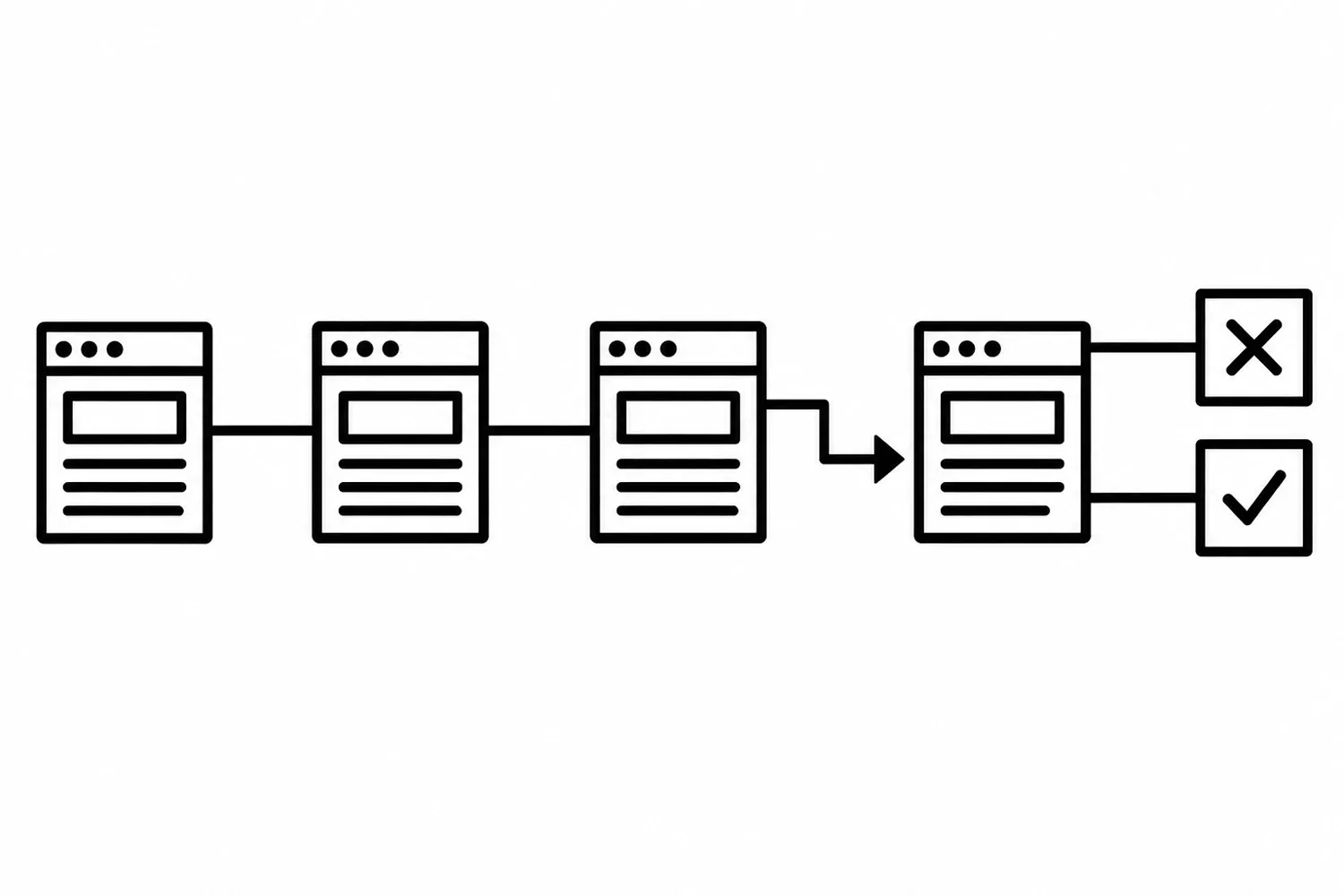
An old blog post can still be useful while some of the pages it cites have moved, disappeared or changed beyond recognition. That is link rot: the article remains, but the path it gives a reader no longer reaches the intended evidence or resource.
An outbound-link check is not just a search for 404 errors. It is a review of whether each link still works, still lands in the right place and still supports the sentence around it. The result should be a decision for every problem link: fix it, replace it or remove it.
This article covers links your site gives to other websites. It is separate from earning backlinks to your site and from managing redirects between your own pages.
Start with the archive, not a random sample
Build an inventory of published blog URLs, then extract the external links from each post. Keep the source post, visible anchor text and destination URL together. Without that context, a checker can tell you a URL failed but not what the author meant the link to support.
Run the check in a way that is respectful of other sites. Limit concurrency, use a clear user agent if your tool supports it and avoid hammering the same domain. Record the final URL and status after redirects rather than only the first response.
Do not publish a count until the run is complete and reviewed. A raw tool result can include temporary failures, bot blocks and URLs that work normally in a browser.
Sort results into useful buckets
A first pass can separate links into five groups:
- Working as intended: the page loads and still supports the nearby claim.
- Redirected: the old URL sends visitors somewhere else.
- Missing: the destination returns a not-found response or a clear equivalent.
- Blocked or uncertain: the checker cannot confirm the result because of a timeout, rate limit or access rule.
- Working but no longer relevant: the page loads, but its content has changed or no longer supports the article.
The last group is why status codes are only the beginning. A successful response can still land on a generic homepage, a product page that replaced a research report or a page whose conclusion has changed.
Fix a link when the intended page still exists
Use a direct fix when you can identify the same resource at a new canonical URL. This is often the right response to a redirect.
MDN describes a 301 response as indicating that a resource has permanently moved to the URL in the Location header. A browser follows that location automatically, but your article does not have to keep sending readers through the extra step forever.
Before replacing the URL, confirm that the final page is truly the same resource and that the link text still describes it. Then update the stored link to the final HTTPS address. This reduces reliance on a redirect the outside publisher may later remove.
Do not automatically rewrite every redirect. A redirect to a publisher’s homepage, a login screen or a different article belongs in the review queue.
Replace a link when the claim still needs support
Choose a replacement when the original page is gone or no longer supports the sentence, but the claim remains useful and can be supported by a better source.
Prefer the original organization, a primary source or another authoritative page that directly addresses the point. Read the replacement rather than matching only its title. The new source may use different definitions, dates or scope.
Then review the sentence around the link. If the wording was built around a specific statistic or conclusion from the old source, changing the URL alone is not enough. Revise the claim so it accurately reflects the replacement.
A web archive can help identify what the missing page used to contain. It should not be treated as proof that the old claim is still current.
Remove a link when it no longer earns its place
Removal is appropriate when the link is decorative, redundant or attached to a claim you no longer need. It may also be the honest choice when no current source supports the statement.
Remove the entire unsupported sentence when the citation was doing essential work. Do not leave the claim in place and delete only the evidence. If the sentence is your own practical recommendation rather than a factual claim, rewrite it clearly as advice and avoid implying outside authority.
Also remove links that now point to harmful downloads, parked domains or unrelated commercial content. A domain can change owners while the old URL continues to return a successful response.
Treat 404, 403 and timeouts differently
A 404 response means the server did not find the requested resource, but it does not say whether the absence is temporary or permanent. Check the publisher’s site navigation or search for a moved copy before replacing or removing it.
A 403 response means the server refused the request. That may reflect a real access restriction, or it may mean the site blocks automated checks. A timeout can be just as ambiguous. Recheck uncertain results manually and on another day before changing content.
Keep the evidence from both passes. A maintenance record should show the source post, old URL, observed result, chosen action, new URL if any and review date.
Review the words around every changed link
The link label and surrounding paragraph matter as much as the destination. Ask:
- Does the anchor text accurately describe the final page?
- Does the source support the exact nearby claim?
- Is a date or statistic now stale?
- Does the article make the source sound more certain than it is?
- Would the reader understand why this outside page is useful?
This review prevents a mechanically repaired link from leaving a misleading sentence behind.
Make outbound-link checks repeatable
An archive audit is useful, but new decay begins as soon as it ends. Add outbound-link checks to routine website maintenance, with a human review step for redirects and uncertain responses.
Prioritize posts that still receive traffic, support a service page, contain time-sensitive claims or cite many outside resources. Keep a change log so the next review starts from the last verified state instead of repeating every decision from scratch.
The goal is not a dashboard with zero warnings. It is an archive in which the links you keep still help readers verify, understand or act on the content.
If your blog archive needs a structured link review, learn about Robben Media’s website support and maintenance or contact us to discuss the scope.
Jeremy Johnson
Owner
Jeremy co-owns Robben Media and directs strategy for every client engagement. With a Computer Engineering degree from Missouri S&T, he brings deep technical expertise in web development, SEO, and automation. Before acquiring Robben Media in 2023, Jeremy led marketing and branch management in the mortgage industry. He believes marketing should be measured by revenue generated, not impressions reported.