

How Google's New Review Extortion Tool Protects Your Business (With a Dangerous Catch)
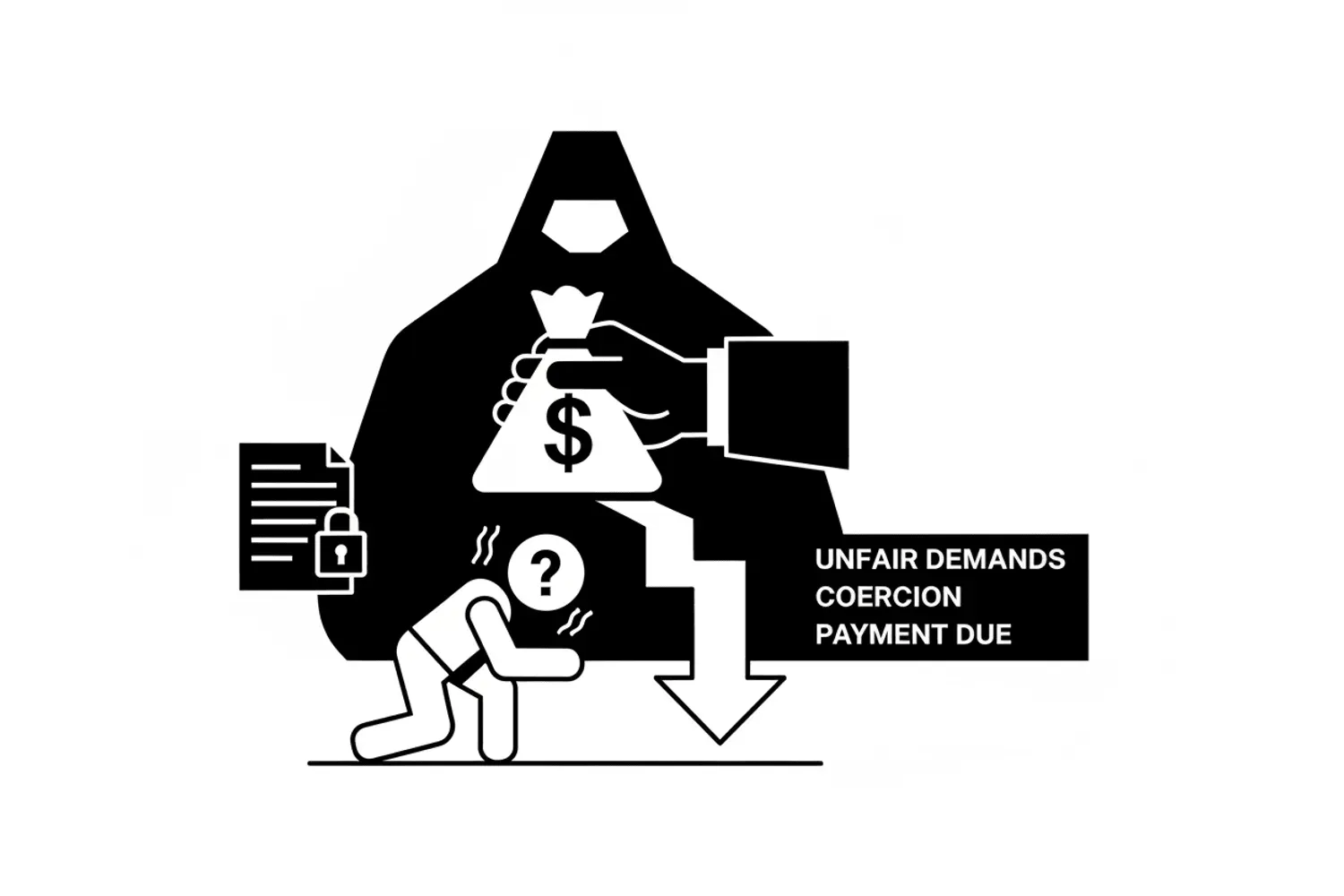
Your Google Business Profile faces a threat worse than bad reviews from angry customers. Review extortion is organized digital blackmail targeting small businesses across Google Maps. Fake 1-star reviews flood your listing overnight, cratering your rating. Then the extortion demand arrives via WhatsApp or Telegram: pay up, or watch your reputation collapse.
Google finally launched a defense tool—a merchant extortion report form connecting you directly to their Trust & Safety team. Businesses are getting 11 fake reviews removed overnight. The catch? You must engage with scammers to document their payment demands before they’ll act.
This guide breaks down how review extortion attacks work and shows you how to use the tool without putting yourself at risk.
Key Takeaways
- Review extortion is organized blackmail using fake Google reviews to target profiles
- The merchant extortion report form works effectively with proper evidence
- You need a screenshot showing explicit payment demands linked to Google Maps reviews
- Never pay extortionists—payment marks your business as a repeat target
- Don't reply publicly to fake reviews before documenting extortion
- Part of a multi-billion dollar global fraud economy
- Proactive management of your Business Profile provides best long-term defense
The Anatomy of a Review Extortion Attack
How the Attack Unfolds
The attack pattern is consistent across Google Maps. Your business wakes up to 10-20 new 1-star reviews appearing suddenly. None mention specific experiences. Most use AI-generated text designed to pass content policy filters.
Your 4.8-star rating drops to 2.1 within hours. Potential customers searching Google Maps see the flood of negative reviews and go elsewhere. The damage to your Business Profile happens fast.
Then the real attack begins. You receive a message through WhatsApp or Telegram. Scammers demand payment—cryptocurrency, gift cards, or money transfer. Pay us, and we’ll remove the negative reviews from your listing. Refuse, and more fake reviews follow.
Why It’s Different from Regular Fake Reviews
This isn’t a few negative reviews from unhappy customers. Review extortion operates as organized crime. Reuters found Meta generates $16 billion annually—10% of revenue—from scam activity. Google Maps faces similar fraud.
A 2024 advisory highlighted AI-powered scams creating fake websites. Review extortion uses the same techniques: fake account creation, coordinated posting, targeting of vulnerable businesses managing their Business Profile.
Customers rely on Google reviews to make decisions. Seeing 15 recent 1-star reviews on Google Maps means they choose your competitor. Standard removal processes move slowly—if they work at all.
Google’s New Merchant Extortion Report Form
google maps app
How the Tool Works
The merchant extortion report form provides a direct line to the Trust & Safety team, bypassing standard flagging. When you report review extortion, investigators look for blackmail patterns rather than evaluating individual entries for policy violations.
The difference matters. Flagging each inappropriate review through normal processes often gets “does not violate our policies” responses, even when fraud is obvious. The extortion form treats the attack as coordinated criminal action targeting your Business Profile.
Local SEO professionals report remarkable success after years fighting fake review removal. Businesses submit extortion reports and see all related fake reviews disappear from Google Maps within 24-48 hours.
What Makes This Different
Standard flagging works for individual violations on Google Maps: spam, inappropriate language, reviews from users who never visited your business.
The merchant extortion form addresses blackmail targeting Google reviews. Demanding money to delete or not post reviews violates content policies and often criminal laws. The specialized team identifies coordinated attack patterns and bulk posting that individual analysis misses.
Response time differs dramatically. Standard appeals take weeks. Extortion reports get prioritized because the threat is active.
The “Smoking Gun” Requirement
negative review
What They Require
The form works—but only with solid evidence linking fake reviews to payment demands. You need the “smoking gun”: a screenshot showing someone explicitly demanding payment to remove Google reviews from your Business Profile.
Your evidence must include several elements. The screenshot shows the payment demand clearly. It links the demand to specific reviews on your listing. Include timestamps. Provide context proving this is blackmail.
Without this evidence, they won’t act through the merchant extortion form. You’ll be directed to standard flagging, which often doesn’t work for coordinated fake review attacks on Google Maps.
The Dangerous Catch
Getting that screenshot requires talking to criminals targeting your Google Business Profile. Scammers don’t always lead with explicit payment demands. Sometimes they contact you to “discuss” the negative reviews or “help” manage reviews on your Business Profile.
You have to engage long enough to bait them into making a clear demand for money in exchange for removing fake reviews from Google Maps. This creates risk. Engaging can escalate. They might post more negative reviews. They could make threats beyond reviews.
Yet without evidence of explicit payment demands linked to Google reviews, the tool won’t help. If you must engage, limit the conversation strictly. Get the screenshot showing their demand, then stop immediately. Don’t negotiate. Get evidence and file.
What NOT to Do When Targeted
google maps
Never Pay
Paying solves nothing. The negative reviews might disappear temporarily from Google Maps, but you’ve marked yourself as a target. More review extortion attacks will follow. Criminal groups share information about which business owners pay.
There’s no guarantee scammers will remove fake reviews after receiving payment. Business owners report paying hundreds only to see bad reviews remain on Google Maps—and new negative reviews appear days later with another demand.
Don’t Reply Publicly Initially
Your instinct might be responding publicly to each fake negative review on Google Maps. Resist this urge initially.
Public replies signal scammers you’re watching and you care about the damage. That’s the cue they’re waiting for to send the extortion message. They want confirmation the attack is working.
Wait until you’ve documented the review extortion attempt and filed the report. Once the Trust & Safety team is investigating, you can decide whether public replies help with real customers on Google Maps.
Avoid Review Gating
Some businesses implement “review gating”—asking only satisfied customers to write reviews on Google Maps while not asking unhappy customers.
This violates content policies. The platform may remove all reviews from your Business Profile if they detect gating. You lose the positive feedback you were protecting on Google Maps.
Using the Merchant Extortion Report Form
a few negative reviews
Before Filing
Create a timeline of when reviews appeared on your Google Business Profile. Screenshot each fake review on Google Maps, noting dates and accounts. Document how negative reviews changed your rating.
Get that critical screenshot of the extortion demand linking payment to removing reviews from your Business Profile. The message must explicitly mention payment to remove or prevent Google reviews.
Filing Correctly
Access the merchant extortion report form through your Google Business Account. Sign in as the owner or authorized manager. The form requests your business name, location on Google Maps, and Business Profile URL.
Upload screenshots showing the extortion demand. In the description, clearly explain: “On [date], [number] fake reviews appeared on my Google Business Profile. On [date], I received a message demanding [payment type/amount] to remove these Google reviews.”
Include details like communication platform (WhatsApp, Telegram), account names or phone numbers scammers used, and why you believe reviews are fake (no visit occurred, AI-generated text, coordinated posting times on Google Maps).
After Submission
The Trust & Safety team will review your submission. You’ll typically hear back within 24-72 hours. They may contact you for additional information about review extortion.
If your evidence is strong, they’ll remove fake reviews from your Business Profile on Google Maps. In many cases, all extortion-related reviews disappear overnight.
If they determine your evidence doesn’t meet the threshold, they may decline the request. You can still flag individual entries through standard processes.
Review Extortion as Part of Global Fraud

google business account
The Multi-Billion Dollar Economy
Review extortion isn’t a side hustle for a few bad actors. It’s part of a sophisticated, multi-billion dollar fraud industry. That Meta revenue figure—$16 billion annually linked to scam activity—shows the scale of organized fraud across platforms including Google Maps.
Scammers use AI to create credible account profiles, generating text that passes quality filters. They leverage bulk account creation, phone verification, and coordinated posting schedules to make fake reviews appear organic on Google Maps.
Why Google Reviews Remain Vulnerable
Google Maps was designed for openness. Anyone with an account can post reviews, photos, and videos about businesses. This enables valuable crowdsourced information.
But openness creates vulnerability. Building fraud detection that catches coordinated fake reviews without blocking legitimate users is extraordinarily difficult. The challenge intensifies as scammers adapt tactics.
Protecting Your Business Beyond the Tool

google reviews
Building Review Resilience
The best defense combines the extortion tool with proactive reputation management. Build a strong foundation of legitimate positive reviews on Google Maps. When you have 200 reviews averaging 4.7 stars, a sudden burst of 15 fake negative reviews is obviously anomalous.
Diversify your presence. Encourage customers to post reviews on Yelp, Facebook, and industry sites. If scammers attack your listing, your overall reputation remains intact.
Monitor velocity on Google Maps. Set up alerts when your Business Profile count or rating changes significantly. Catching review extortion attacks early limits damage and gives you time to collect evidence.
Documentation Best Practices
Treat your Google Business Profile like an asset requiring protection. Screenshot every review when it appears on Google Maps—not just problematic ones. This archive proves posting patterns if you need to report extortion.
Track unusual activity. If you normally get 2-3 reviews per week and suddenly receive 15 in one day on Google Maps, document that spike. Note account details: profile pictures, account creation dates, other reviews.
Keep communications from anyone contacting you about reviews. What looks like “reputation management” today might reveal itself as review extortion tomorrow.
FAQs
Can I use the merchant extortion form for regular fake reviews?
No. This form is for blackmail cases where someone demands payment to remove or prevent Google reviews on your Business Profile. For standard fake reviews, use normal flagging through your profile page on Google Maps.
What if I already paid the extortionists?
Document what happened and file a merchant extortion report anyway. Include evidence of payment along with extortion demands. The Trust & Safety team should know about the attack. Also consider reporting to local law enforcement or the FBI’s Internet Crime Complaint Center.
How long does it take to respond to merchant extortion reports?
Most reports with strong evidence get responses within 24-72 hours—significantly faster than standard appeals. The Trust & Safety team prioritizes extortion cases because the threat is active.
Is it legal to require engagement with scammers?
The platform doesn’t explicitly require engagement. They require evidence of review extortion to use the tool. You could wait for scammers to make explicit payment demands in their first message about Google reviews, though many start with vague offers.
What if scammers escalate after I document their demands?
Cease contact immediately after obtaining your screenshot showing the payment demand linked to Google reviews on your Business Profile. Block the accounts. If they continue messaging or post additional negative reviews on Google Maps, document those actions and update your report. If they make threats beyond reviews, contact local law enforcement.
Jeremy Johnson
Owner
Jeremy co-owns Robben Media and directs strategy for every client engagement. With a Computer Engineering degree from Missouri S&T, he brings deep technical expertise in web development, SEO, and automation. Before acquiring Robben Media in 2023, Jeremy led marketing and branch management in the mortgage industry. He believes marketing should be measured by revenue generated, not impressions reported.